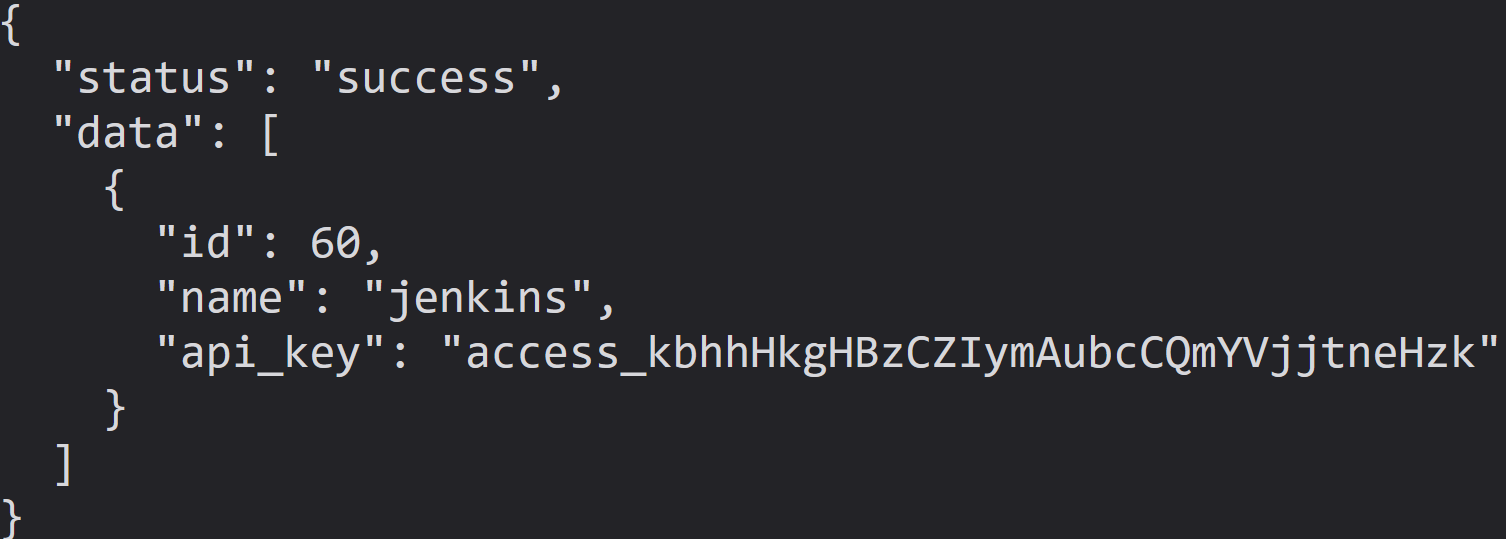
A modern, customizable zero-dependencies honeypot server designed to detect and track malicious activity through deceptive web pages, fake credentials, and canary tokens.



Overview • Quick Start • Configuration • Dashboard • Deception Techniques • Contributing
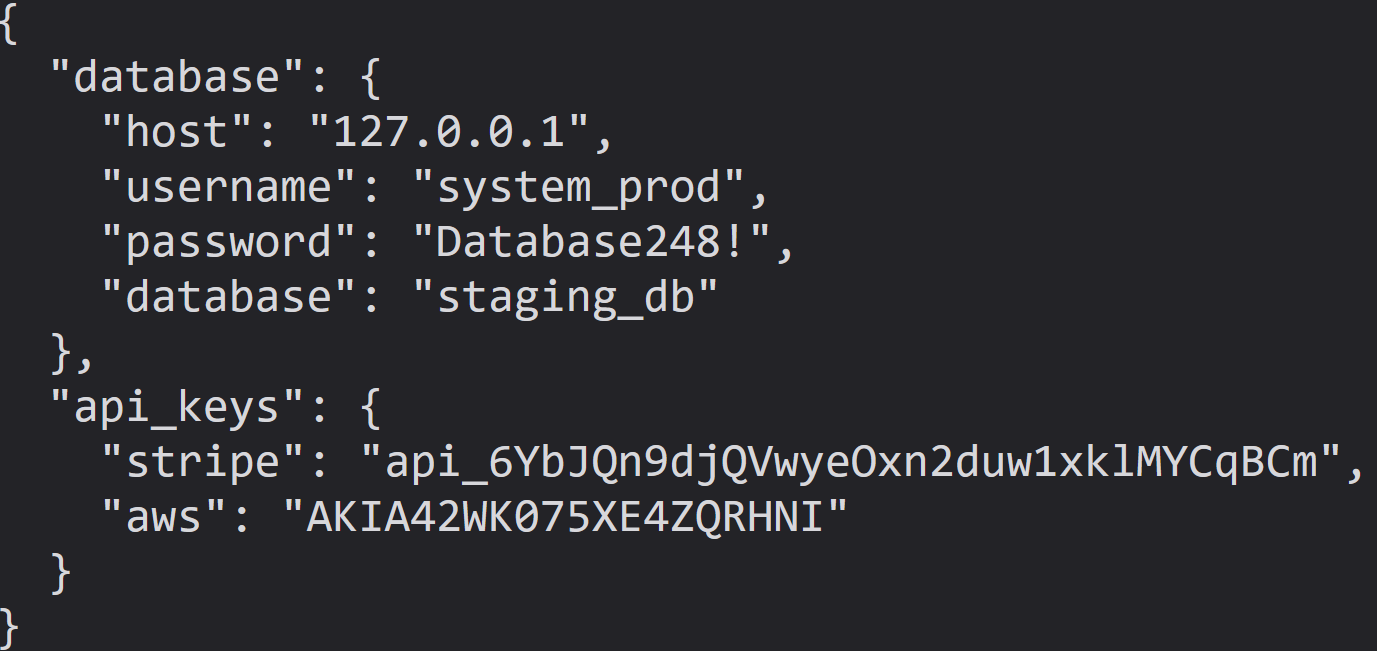
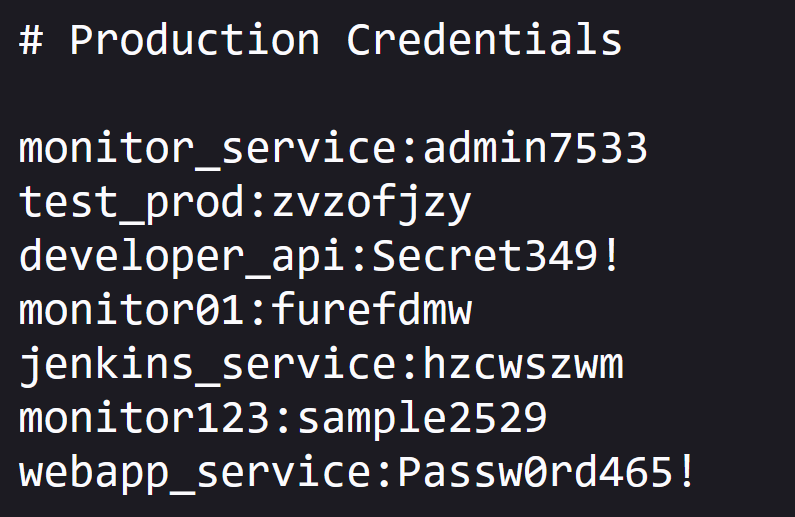
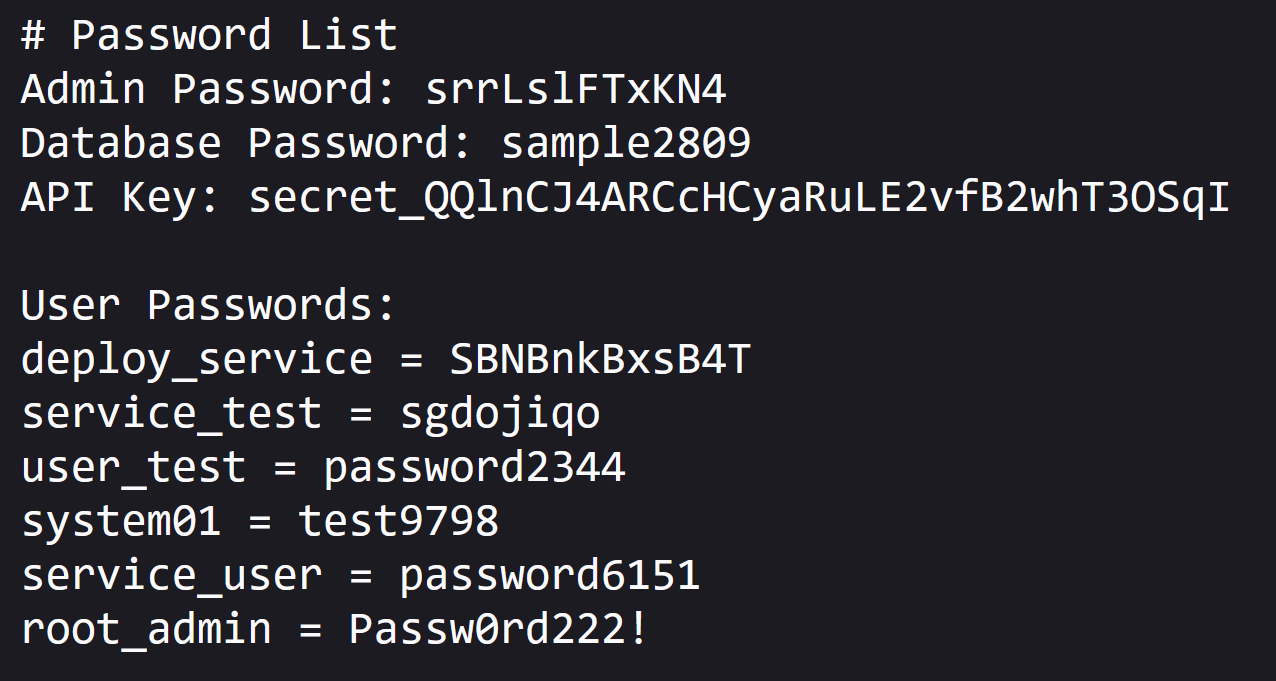
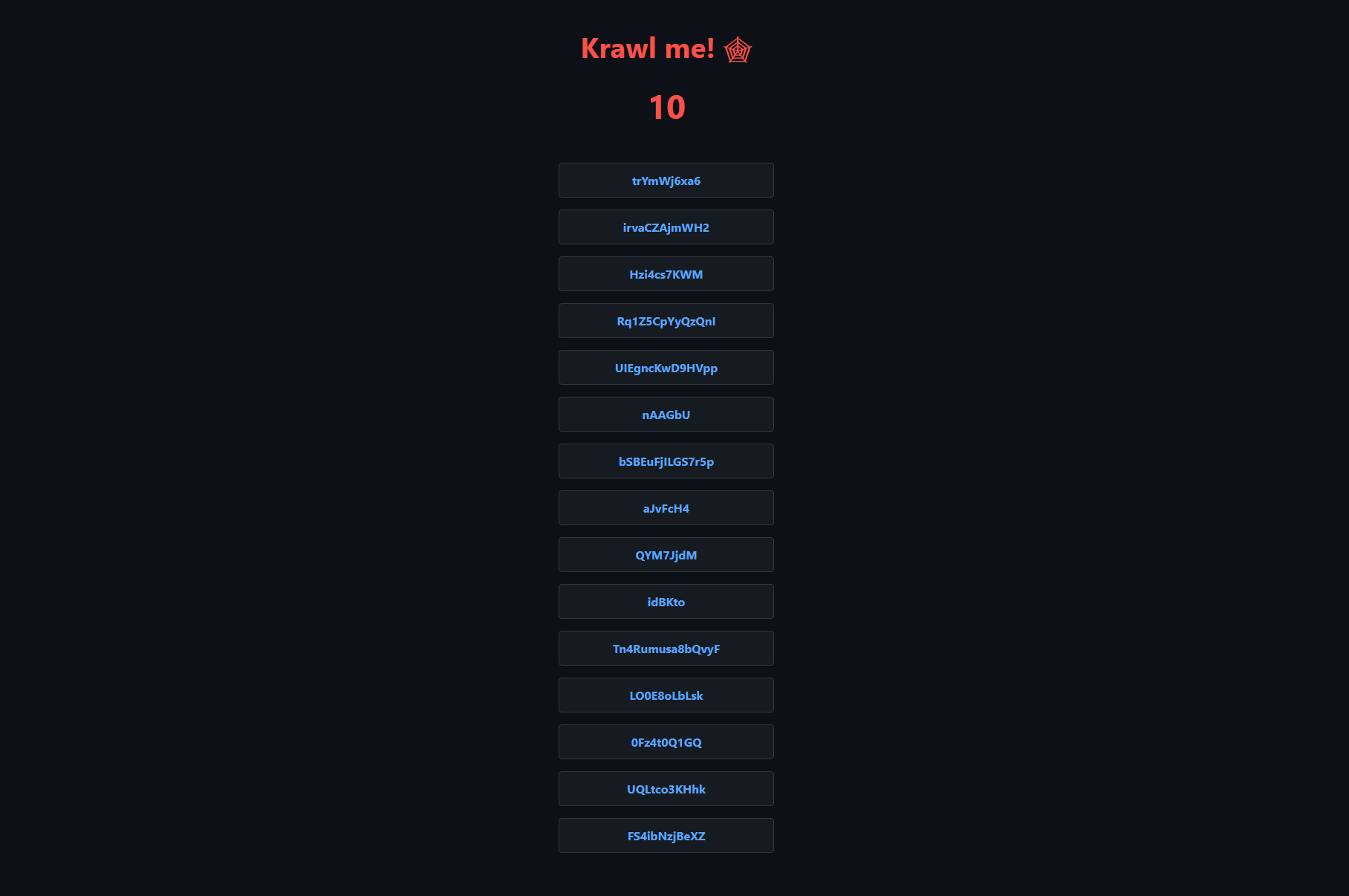 ## What is Krawl? Krawl is a simple cloud native deception server that creates fake web applications with low hanging fruit and juicy fake random information. It features: - **Spider Trap Pages**: Infinite random links to waste crawler resources based on the [spidertrap project](https://github.com/adhdproject/spidertrap) - **Fake Login Pages**: WordPress, phpMyAdmin, admin panels - **Honeypot Paths**: Advertised in robots.txt to catch scanners - **Fake Credentials**: Realistic-looking usernames, passwords, API keys - **Canary Token Integration**: External alert triggering - **Real-time Dashboard**: Monitor suspicious activity - **Customizable Wordlists**: Easy JSON-based configuration - **Random Error Injection**: Mimic real server behavior ## 🚀 Quick Start ## Helm Chart Install with default values ```bash helm install krawl ./helm \ --namespace krawl-system \ --create-namespace ``` Install with custom values ```bash helm install krawl ./helm \ --namespace krawl-system \ --create-namespace \ --values values.yaml ``` Install with custom canary token ```bash helm install krawl ./helm \ --namespace krawl-system \ --create-namespace \ --set config.canaryTokenUrl="http://your-canary-token-url" ``` Uninstall with ```bash helm uninstall krawl --namespace krawl-system ``` ## Kubernetes / Kustomize Apply all manifests ```bash kubectl apply -k manifests/ ``` Retrieve dashboard path ```bash kubectl get secret krawl-server -n krawl-system -o jsonpath='{.data.dashboard-path}' | base64 -d ``` Uninstall with ```bash kubectl delete -k manifests/ ``` ## Docker ```bash docker run -d \ -p 5000:5000 \ -e CANARY_TOKEN_URL="http://your-canary-token-url" \ --name krawl \ ghcr.io/blessedrebus/krawl:latest ``` ## Docker Compose ```bash docker-compose up -d ``` ## Python 3.11+ Clone the repository ```bash git clone https://github.com/blessedrebus/krawl.git cd krawl/src ``` Run the server ```bash python3 server.py ``` Visit `http://localhost:5000` To access the dashboard `http://localhost:5000/dashboard-secret-path` ## Configuration via Environment Variables To customize the deception server installation several **environment variables** can be specified. | Variable | Description | Default | |----------|-------------|---------| | `PORT` | Server listening port | `5000` | | `DELAY` | Response delay in milliseconds | `100` | | `LINKS_MIN_LENGTH` | Minimum random link length | `5` | | `LINKS_MAX_LENGTH` | Maximum random link length | `15` | | `LINKS_MIN_PER_PAGE` | Minimum links per page | `10` | | `LINKS_MAX_PER_PAGE` | Maximum links per page | `15` | | `MAX_COUNTER` | Initial counter value | `10` | | `CANARY_TOKEN_TRIES` | Requests before showing canary token | `10` | | `CANARY_TOKEN_URL` | External canary token URL | None | | `DASHBOARD_SECRET_PATH` | Custom dashboard path | Auto-generated | | `PROBABILITY_ERROR_CODES` | Error response probability (0-100%) | `0` | ## robots.txt The actual (juicy) robots.txt configuration is the following ```txt Disallow: /admin/ Disallow: /api/ Disallow: /backup/ Disallow: /config/ Disallow: /database/ Disallow: /private/ Disallow: /uploads/ Disallow: /wp-admin/ Disallow: /phpMyAdmin/ Disallow: /admin/login.php Disallow: /api/v1/users Disallow: /api/v2/secrets Disallow: /.env Disallow: /credentials.txt Disallow: /passwords.txt Disallow: /.git/ Disallow: /backup.sql Disallow: /db_backup.sql ``` ## Honeypot pages Requests to common admin endpoints (`/admin/`, `/wp-admin/`, `/phpMyAdmin/`) return a fake login page. Any login attempt triggers a 1-second delay to simulate real processing and is fully logged in the dashboard (credentials, IP, headers, timing). 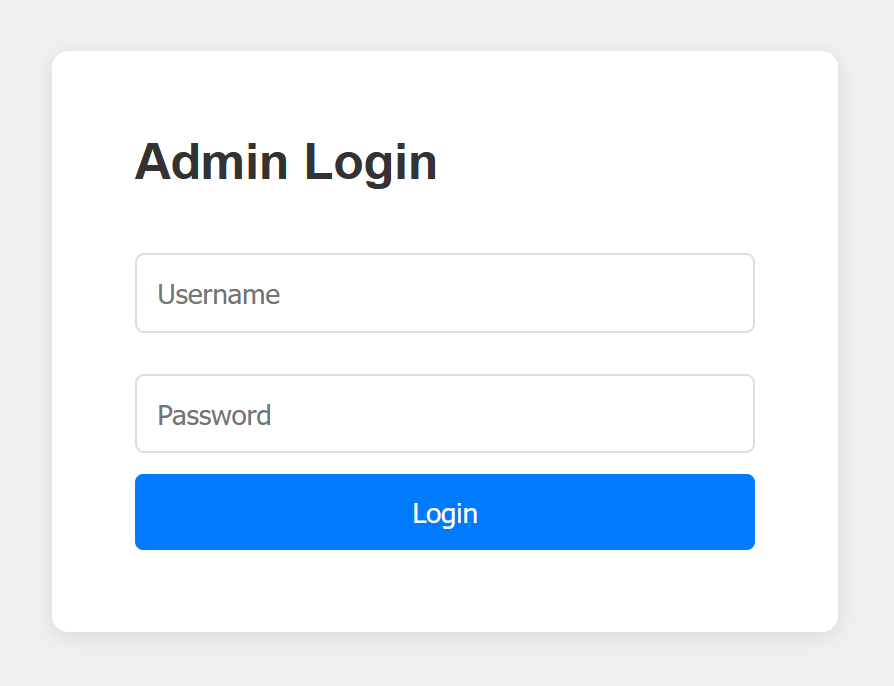 Requests to paths like `/backup/`, `/config/`, `/database/`, `/private/`, or `/uploads/` return a fake directory listing populated with “interesting” files, each assigned a random file size to look realistic. 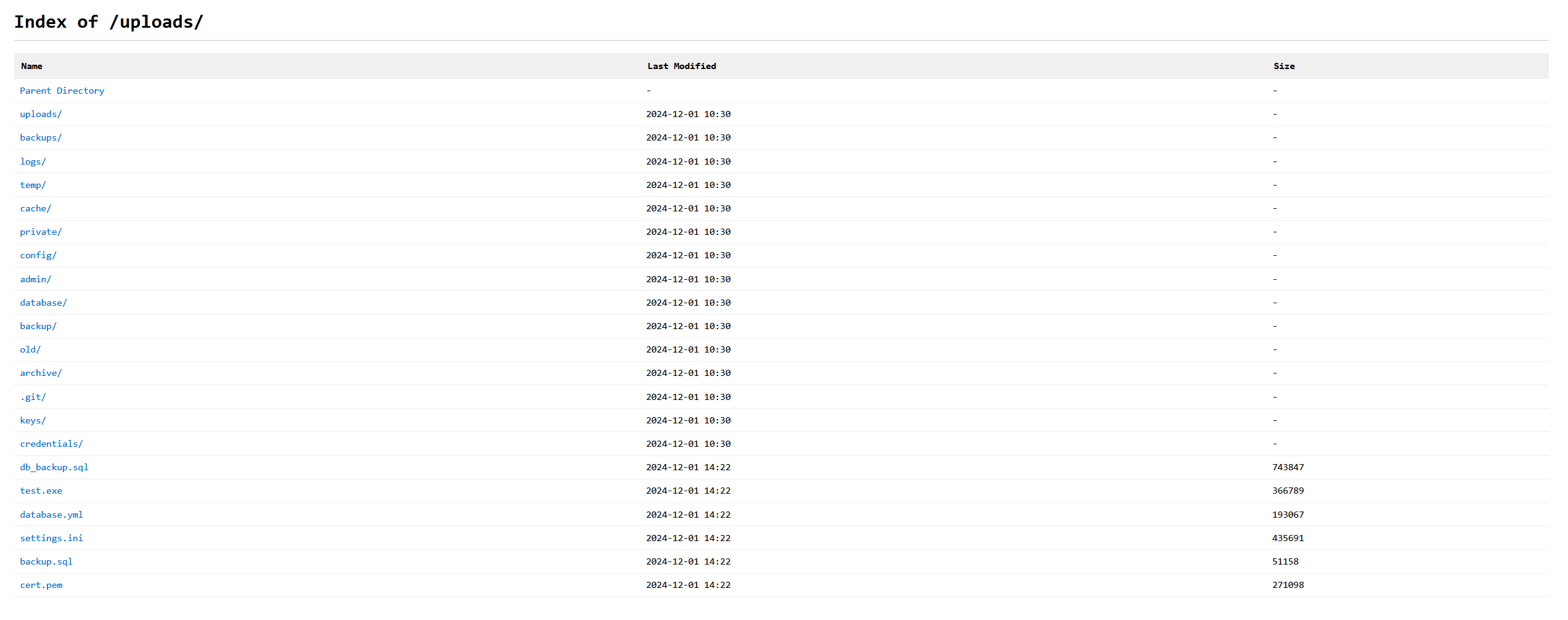 The `.env` endpoint exposes fake database connection strings, **AWS API keys**, and **Stripe secrets**. It intentionally returns an error due to the `Content-Type` being `application/json` instead of plain text, mimicking a “juicy” misconfiguration that crawlers and scanners often flag as information leakage. 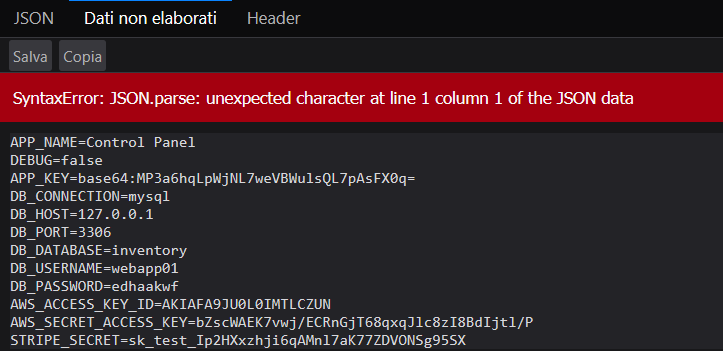 The pages `/api/v1/users` and `/api/v2/secrets` show fake users and random secrets in JSON format