## Demo
Tip: crawl the `robots.txt` paths for additional fun
### Krawl URL: [http://demo.krawlme.com](http://demo.krawlme.com)
### View the dashboard [http://demo.krawlme.com/das_dashboard](http://demo.krawlme.com/das_dashboard)
## What is Krawl?
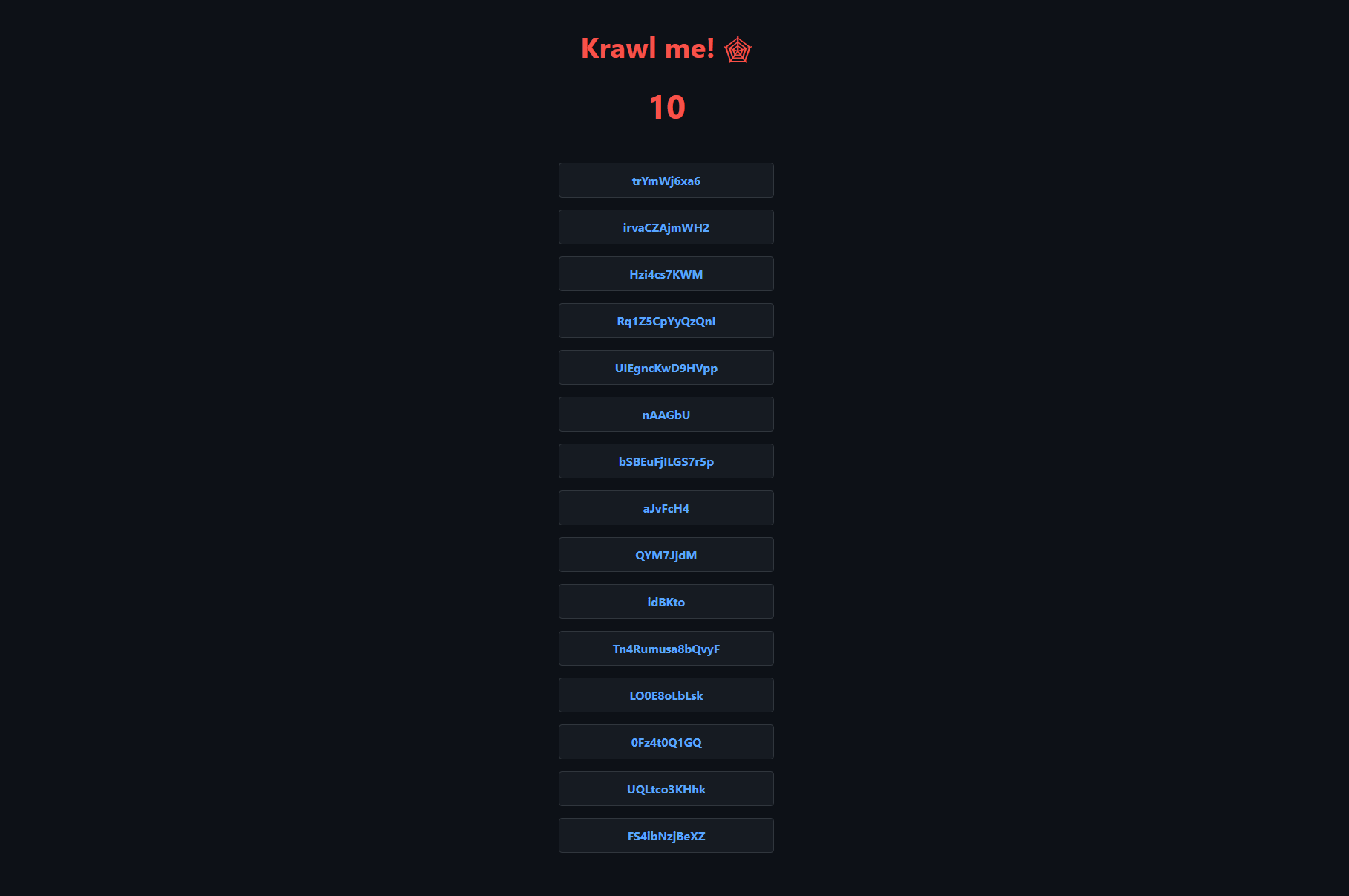
**Krawl** is a cloud‑native deception server designed to detect, delay, and analyze malicious web crawlers and automated scanners.
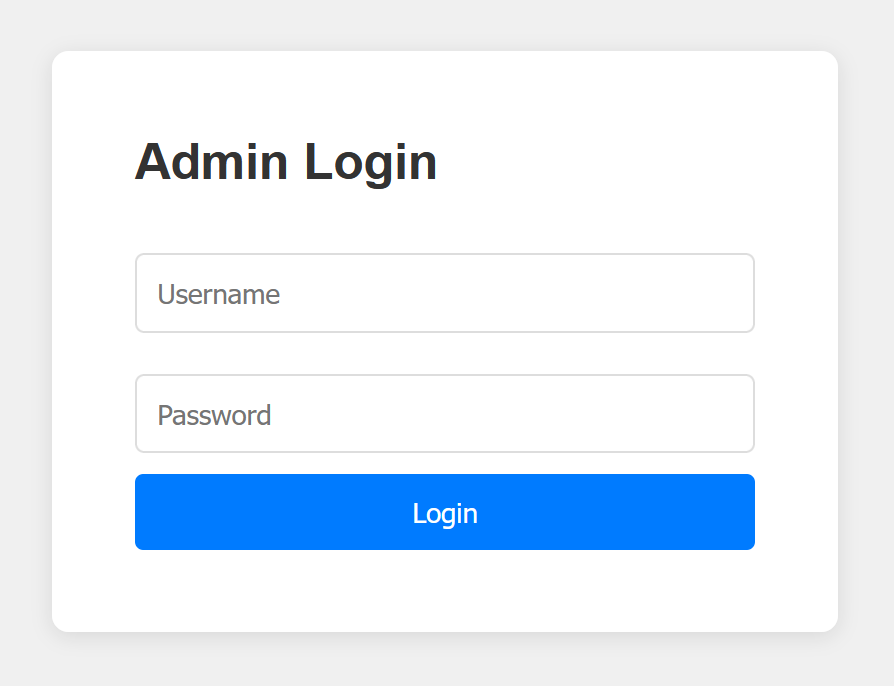
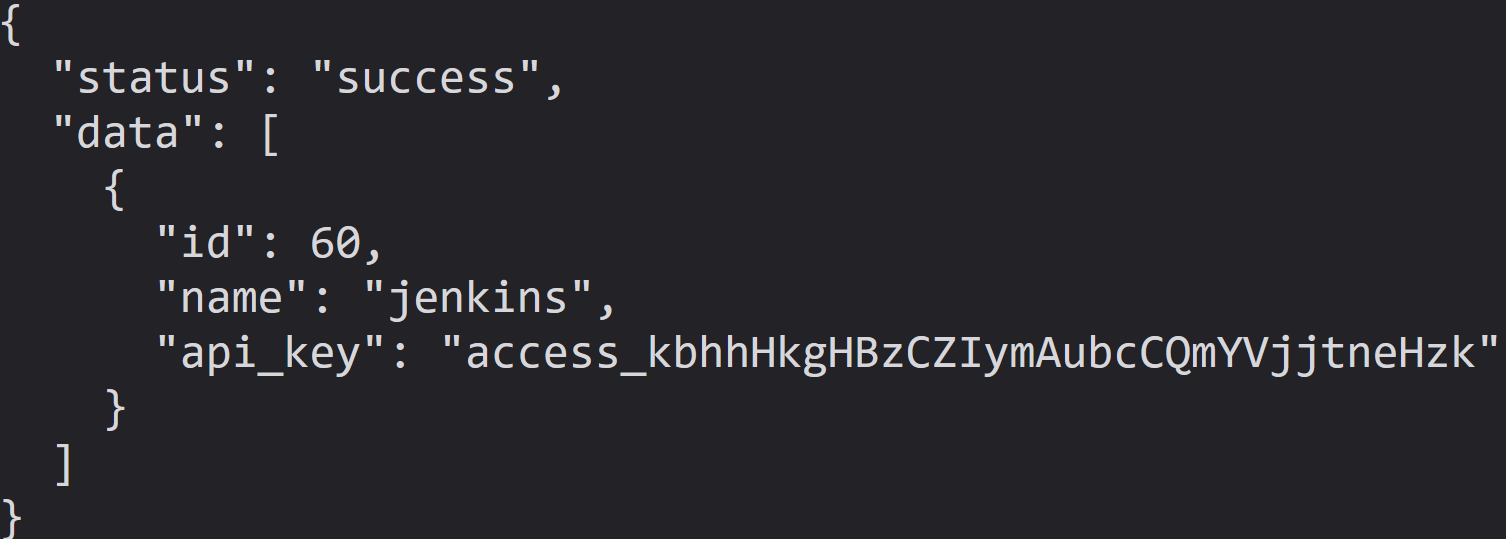
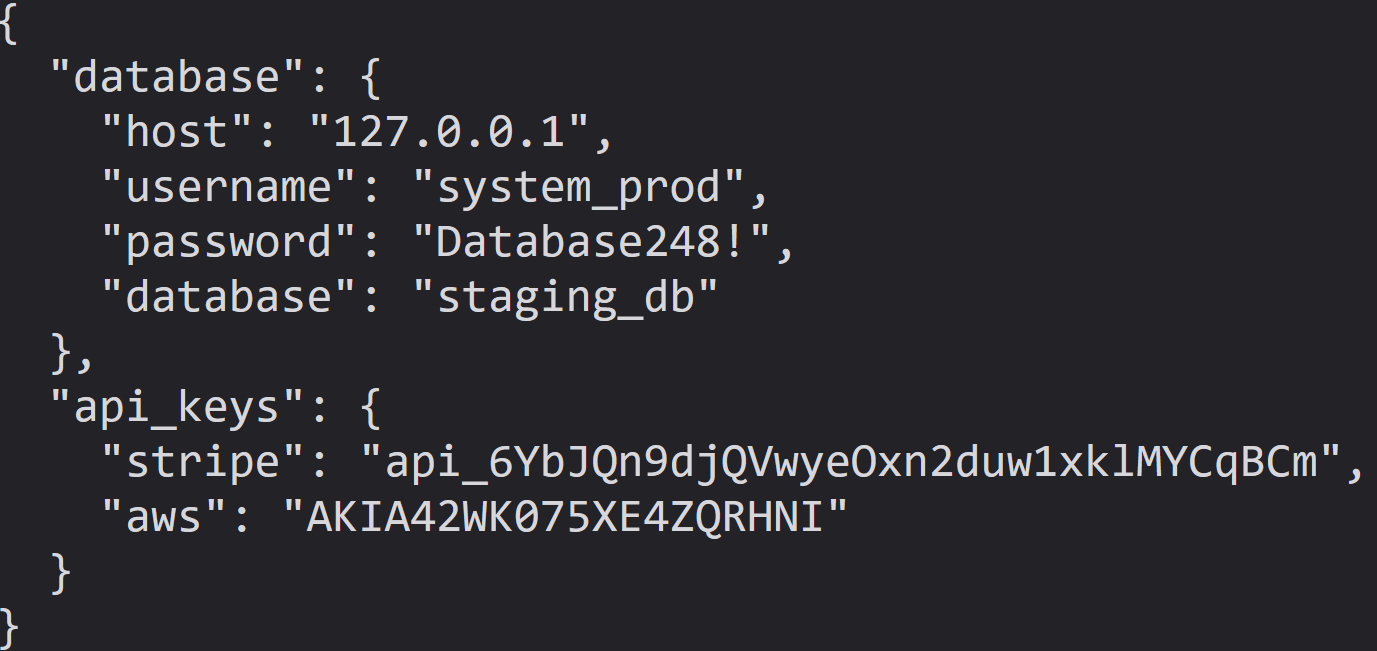
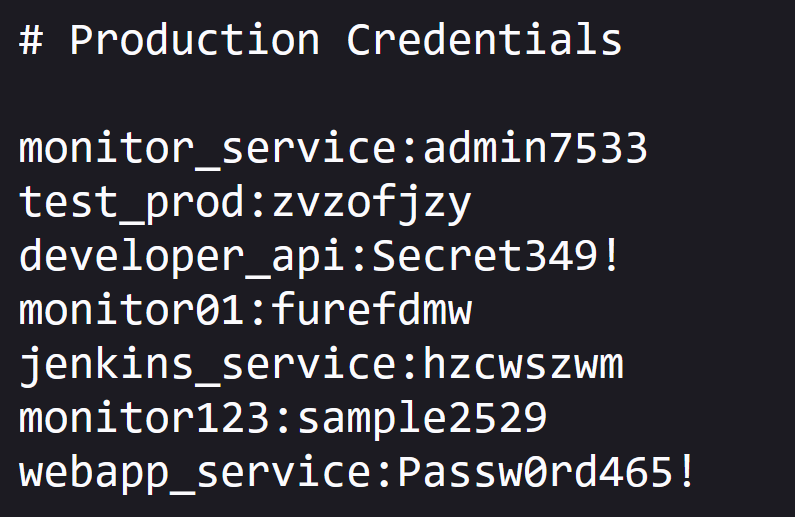
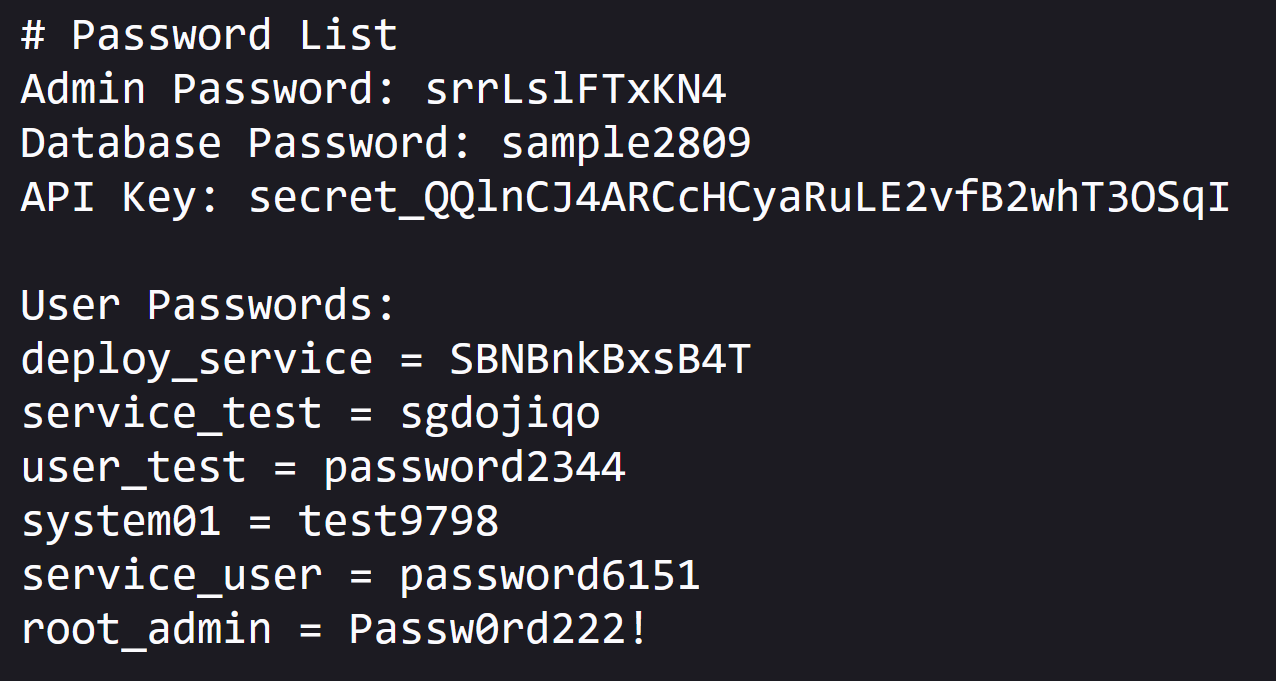
It creates realistic fake web applications filled with low‑hanging fruit such as admin panels, configuration files, and exposed fake credentials to attract and identify suspicious activity.
By wasting attacker resources, Krawl helps clearly distinguish malicious behavior from legitimate crawlers.
It features:
- **Spider Trap Pages**: Infinite random links to waste crawler resources based on the [spidertrap project](https://github.com/adhdproject/spidertrap)
- **Fake Login Pages**: WordPress, phpMyAdmin, admin panels
- **Honeypot Paths**: Advertised in robots.txt to catch scanners
- **Fake Credentials**: Realistic-looking usernames, passwords, API keys
- **[Canary Token](#customizing-the-canary-token) Integration**: External alert triggering
- **Real-time Dashboard**: Monitor suspicious activity
- **Customizable Wordlists**: Easy JSON-based configuration
- **Random Error Injection**: Mimic real server behavior
## 🚀 Installation
### Docker Run
Run Krawl with the latest image:
```bash
docker run -d \
-p 5000:5000 \
-e KRAWL_PORT=5000 \
-e KRAWL_DELAY=100 \
-e KRAWL_DASHBOARD_SECRET_PATH="/my-secret-dashboard" \
-e KRAWL_DATABASE_RETENTION_DAYS=30 \
--name krawl \
ghcr.io/blessedrebus/krawl:latest
```
Access the server at `http://localhost:5000`
### Docker Compose
Create a `docker-compose.yaml` file:
```yaml
services:
krawl:
image: ghcr.io/blessedrebus/krawl:latest
container_name: krawl-server
ports:
- "5000:5000"
environment:
- CONFIG_LOCATION=config.yaml
volumes:
- ./config.yaml:/app/config.yaml:ro
- krawl-data:/app/data
restart: unless-stopped
volumes:
krawl-data:
```
Run with:
```bash
docker-compose up -d
```
Stop with:
```bash
docker-compose down
```
### Helm Chart
Install with default values:
```bash
helm install krawl oci://ghcr.io/blessedrebus/krawl-chart \
--version 2.0.0 \
--namespace krawl-system \
--create-namespace
```
Or create a minimal `values.yaml` file:
```yaml
service:
type: LoadBalancer
port: 5000
ingress:
enabled: true
className: "traefik"
hosts:
- host: krawl.example.com
paths:
- path: /
pathType: Prefix
config:
server:
port: 5000
delay: 100
dashboard:
secret_path: null # Auto-generated if not set
database:
persistence:
enabled: true
size: 1Gi
```
Install with custom values:
```bash
helm install krawl oci://ghcr.io/blessedrebus/krawl-chart \
--version 2.0.0 \
--namespace krawl-system \
--create-namespace \
-f values.yaml
```
To access the deception server:
```bash
kubectl get svc krawl -n krawl-system
```
Once the EXTERNAL-IP is assigned, access your deception server at `http://