Kemono Downloader v5.0.0
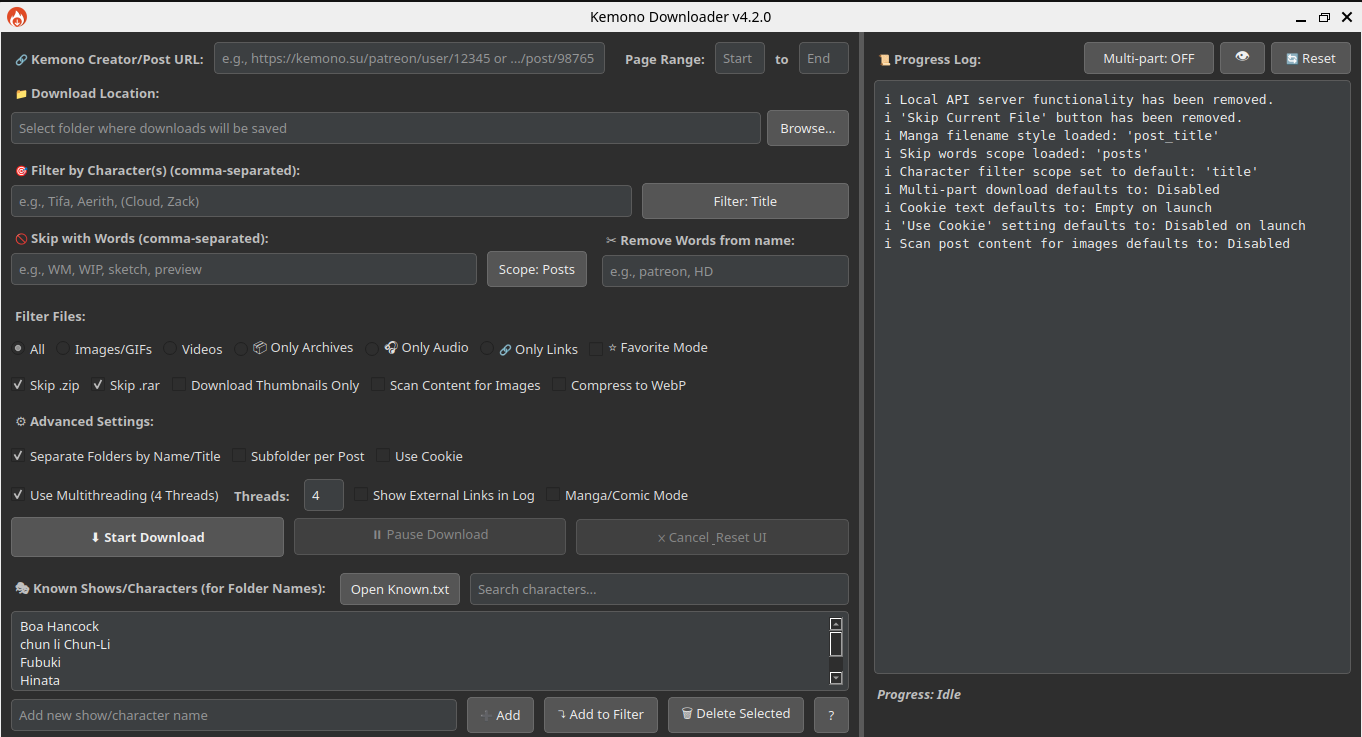
Default
|
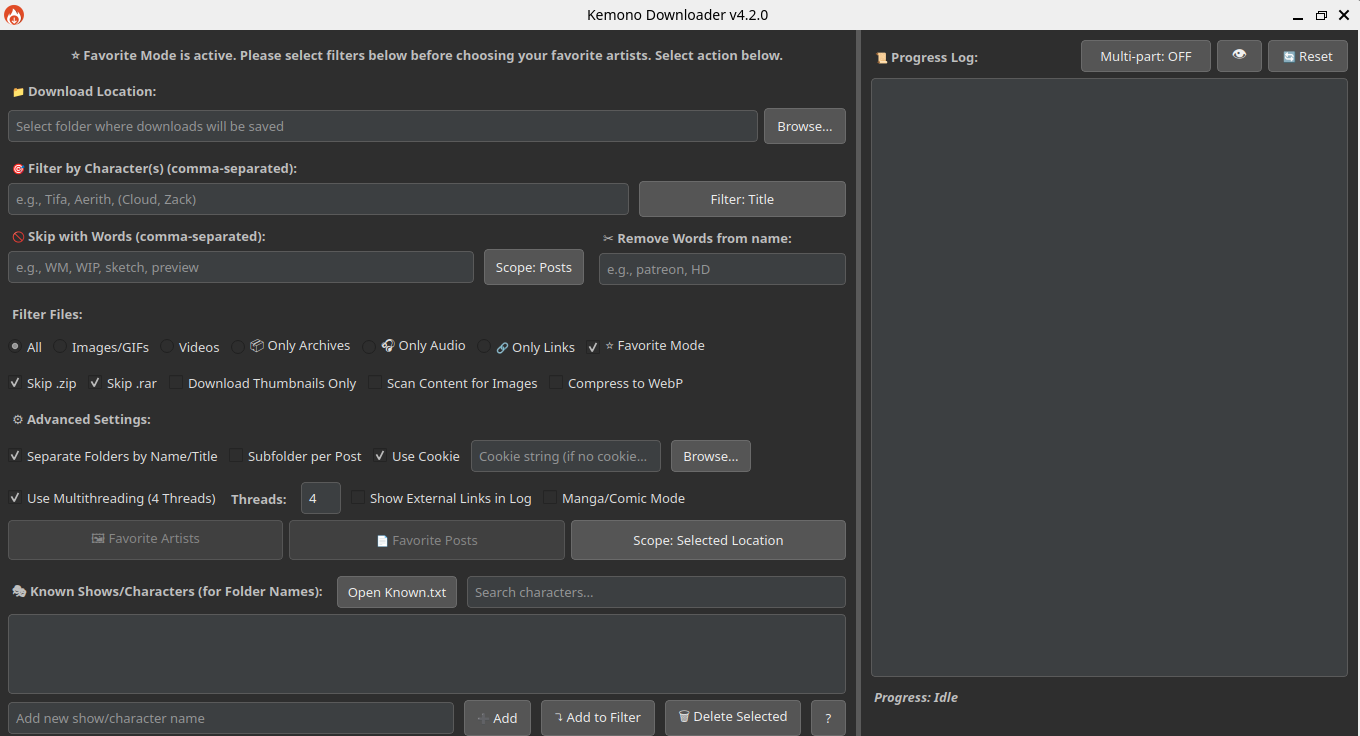
Favorite mode
|
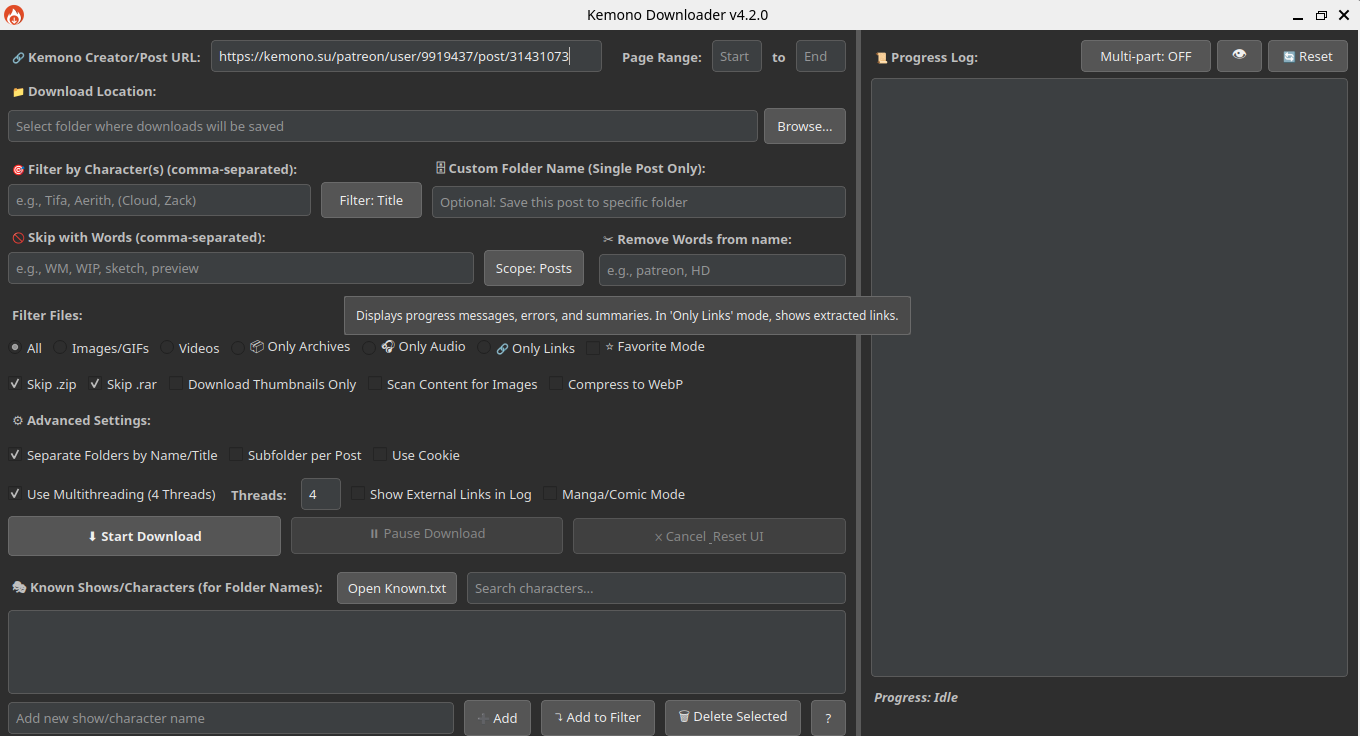
Single Post
|
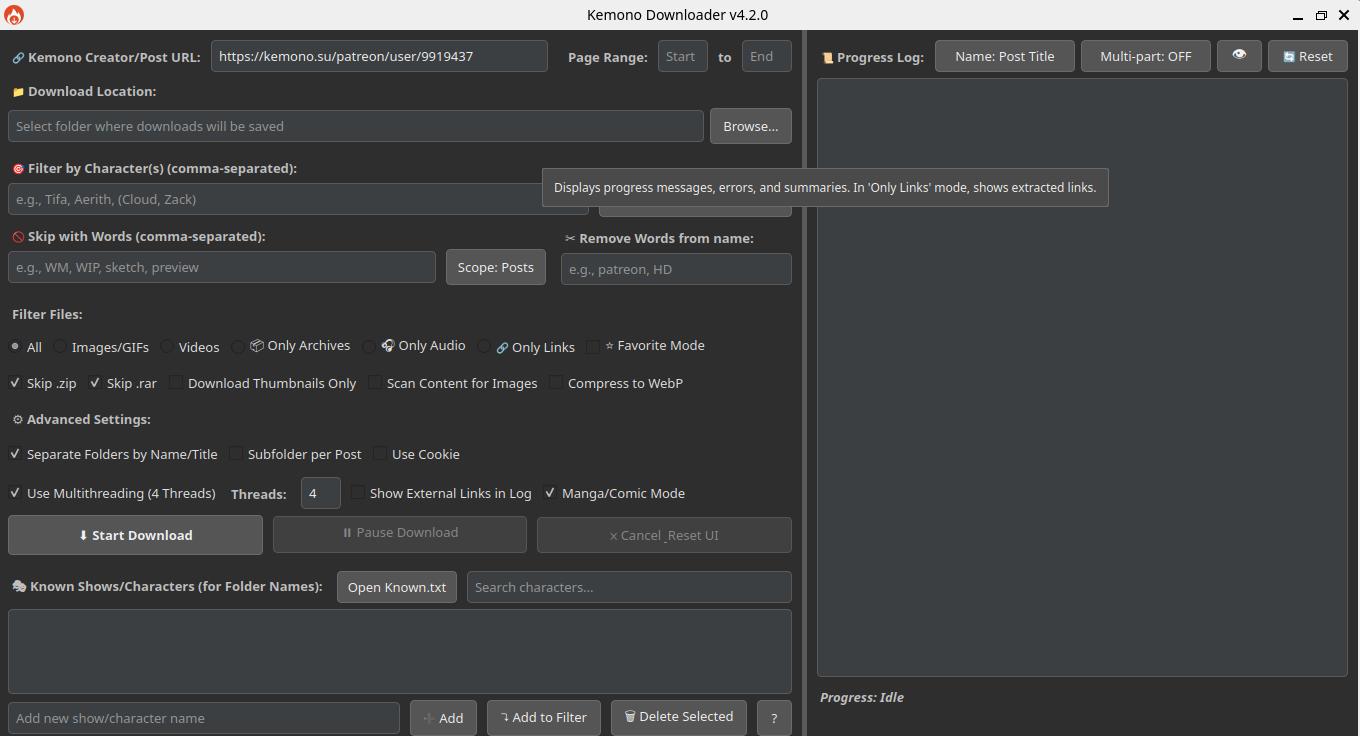
Manga/Comic Mode
|
|
---
A powerful, feature-rich GUI application for downloading content from **[Kemono.su](https://kemono.su)** (and its mirrors like kemono.party) and **[Coomer.party](https://coomer.party)** (and its mirrors like coomer.su).
Built with PyQt5, this tool is designed for users who want deep filtering capabilities, customizable folder structures, efficient downloads, and intelligent automation, all within a modern and user-friendly graphical interface.
*This v5.0.0 release marks a significant feature milestone. Future updates are expected to be less frequent, focusing on maintenance and minor refinements.*
---
## Feature Overview
Kemono Downloader offers a range of features to streamline your content downloading experience:
- **User-Friendly Interface:** A modern PyQt5 GUI for easy navigation and operation.
- **Flexible Downloading:**
- Download content from Kemono.su (and mirrors) and Coomer.party (and mirrors).
- Supports creator pages (with page range selection) and individual post URLs.
- Standard download controls: Start, Pause, Resume, and Cancel.
- **Powerful Filtering:**
- **Character Filtering:** Filter content by character names. Supports simple comma-separated names and grouped names for shared folders.
- **Keyword Skipping:** Skip posts or files based on specified keywords.
- **Filename Cleaning:** Remove unwanted words or phrases from downloaded filenames.
- **File Type Selection:** Choose to download all files, or limit to images/GIFs, videos, audio, or archives. Can also extract external links only.
- **Customizable Downloads:**
- **Thumbnails Only:** Option to download only small preview images.
- **Content Scanning:** Scan post HTML for `![]() ` tags and direct image links, useful for images embedded in descriptions.
- **WebP Conversion:** Convert images to WebP format for smaller file sizes (requires Pillow library).
- **Organized Output:**
- **Automatic Subfolders:** Create subfolders based on character names (from filters or `Known.txt`) or post titles.
- **Per-Post Subfolders:** Option to create an additional subfolder for each individual post.
- **Manga/Comic Mode:**
- Downloads posts from a creator's feed in chronological order (oldest to newest).
- Offers various filename styling options for sequential reading (e.g., post title, original name, global numbering).
- **⭐ Favorite Mode:**
- Directly download from your favorited artists and posts on Kemono.su.
- Requires a valid cookie and adapts the UI for easy selection from your favorites.
- Supports downloading into a single location or artist-specific subfolders.
- **Performance & Advanced Options:**
- **Cookie Support:** Use cookies (paste string or load from `cookies.txt`) to access restricted content.
- **Multithreading:** Configure the number of simultaneous downloads/post processing threads for improved speed.
- **Logging:**
- A detailed progress log displays download activity, errors, and summaries.
---
## Installation
### Requirements
- Python 3.6 or higher
- pip (Python package installer)
### Install Dependencies
Open your terminal or command prompt and run:
```bash
pip install PyQt5 requests Pillow
```
### Running the Application
Navigate to the application's directory in your terminal and run:
```bash
python main.py
```
### Optional Setup
- **Main Inputs:**
- Place your `cookies.txt` in the root directory (if using cookies).
- Prepare your `Known.txt` and `creators.json` in the same directory for advanced filtering and selection features.
---
## Contribution
Feel free to fork this repo and submit pull requests for bug fixes, new features, or UI improvements!
---
## License
This project is released under the MIT License.
## Star History
[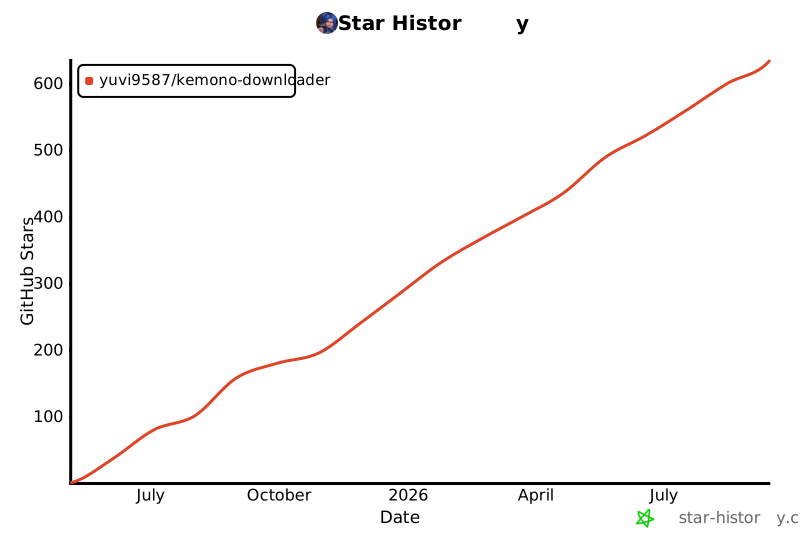](https://www.star-history.com/#Yuvi9587/Kemono-Downloader&Date)
👉 See [features.md](features.md) for the full feature list.
` tags and direct image links, useful for images embedded in descriptions.
- **WebP Conversion:** Convert images to WebP format for smaller file sizes (requires Pillow library).
- **Organized Output:**
- **Automatic Subfolders:** Create subfolders based on character names (from filters or `Known.txt`) or post titles.
- **Per-Post Subfolders:** Option to create an additional subfolder for each individual post.
- **Manga/Comic Mode:**
- Downloads posts from a creator's feed in chronological order (oldest to newest).
- Offers various filename styling options for sequential reading (e.g., post title, original name, global numbering).
- **⭐ Favorite Mode:**
- Directly download from your favorited artists and posts on Kemono.su.
- Requires a valid cookie and adapts the UI for easy selection from your favorites.
- Supports downloading into a single location or artist-specific subfolders.
- **Performance & Advanced Options:**
- **Cookie Support:** Use cookies (paste string or load from `cookies.txt`) to access restricted content.
- **Multithreading:** Configure the number of simultaneous downloads/post processing threads for improved speed.
- **Logging:**
- A detailed progress log displays download activity, errors, and summaries.
---
## Installation
### Requirements
- Python 3.6 or higher
- pip (Python package installer)
### Install Dependencies
Open your terminal or command prompt and run:
```bash
pip install PyQt5 requests Pillow
```
### Running the Application
Navigate to the application's directory in your terminal and run:
```bash
python main.py
```
### Optional Setup
- **Main Inputs:**
- Place your `cookies.txt` in the root directory (if using cookies).
- Prepare your `Known.txt` and `creators.json` in the same directory for advanced filtering and selection features.
---
## Contribution
Feel free to fork this repo and submit pull requests for bug fixes, new features, or UI improvements!
---
## License
This project is released under the MIT License.
## Star History
[](https://www.star-history.com/#Yuvi9587/Kemono-Downloader&Date)
👉 See [features.md](features.md) for the full feature list.