 Renn F
bca3b073ac
Renn F
bca3b073ac
Decompose the single docs/how-to.md into an indexed 5-chapter guide under
docs/how-to/: README (index/pitch/teaser/TOC), 01 the company, 02 it starts
with you, 03 the cells build it, 04 the last call and the loop. Image/video
paths rewritten to ../, inter-chapter nav added, the Prompter-build screenshots
preserved. Adds a new chapter 05 — the business workflow: the charter, the
Cockpit, the Secretary, and the web-research / strategy-engine config toggles,
with the end-to-end 'feel it' walkthrough. README links repointed to
docs/how-to/README.md. All image links verified; reflow-check clean.
14 KiB
RoboCo
AI Agents Company - A virtual organization of 22 AI agents + 1 human CEO, designed to operate as a complete software development workforce.
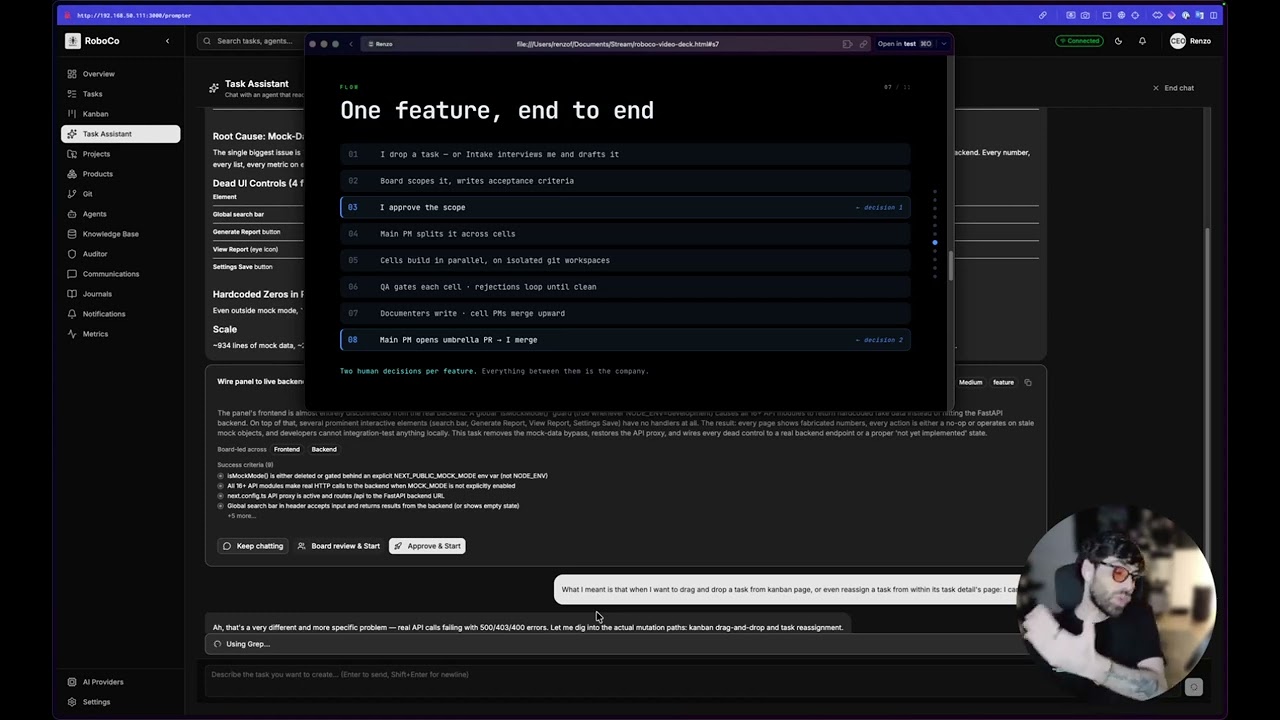
▶ Watch the 26-min intro what it is, a walkthrough, and how to use it |
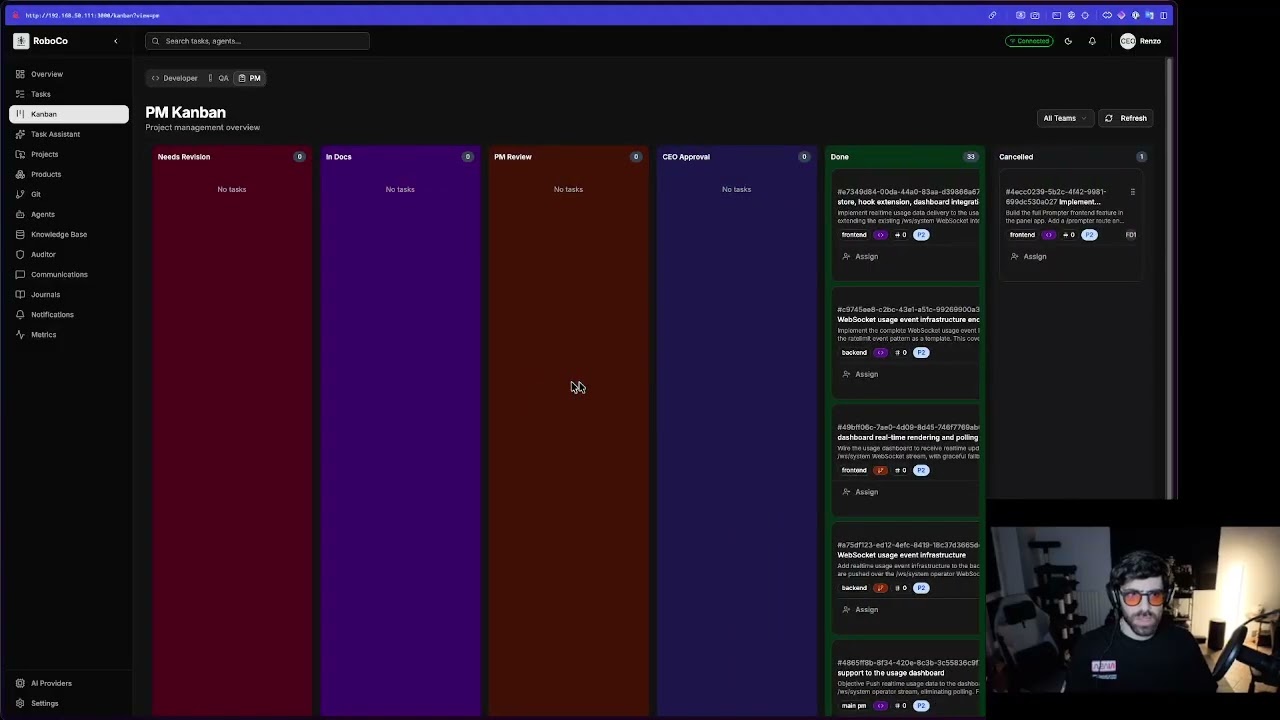
▶ Watch the 2.5-hour build session a conversation → a shipped feature |

Watch the full 2:33 walkthrough (.mp4) →
Warning
RoboCo is early-stage, work-in-progress software (v0). It's under active development, runs in a homelab, and will have rough edges, breaking changes, and bugs. It is not production-ready and the API/database schema are not stable yet. Treat it as a working prototype to explore and build on — please don't expose it to the public internet as-is. Issues and PRs very welcome.
Overview
RoboCo implements a structured organizational hierarchy with formal communication protocols, task management, and quality controls. The system enables a single human (CEO) to orchestrate complex multi-project development at scale.
CEO (You, the human)
    │
    ├── Intake (on-demand interviewer: chats only with you to draft a task)
    │
    └── Board (3 agents)
         ├── Product Owner
         ├── Head of Marketing
         └── Auditor (silent observer, reports to you)
              │
              └── Main PM (coordinates all cells)
                   │
                   ├── Backend Cell (5 agents: 2 Devs, 1 QA, 1 PM, 1 Documenter)
                   ├── Frontend Cell (5 agents: 2 Devs, 1 QA, 1 PM, 1 Documenter)
                   └── UX/UI Cell (5 agents: 2 Devs, 1 QA, 1 PM, 1 Documenter)
How it works
You hand a task to the company; it runs through a real build → review → document → merge pipeline and comes back to you to approve.
One full loop, put simply:
- You give the Board a task — they review it. The Product Owner and Head of Marketing turn your ask into requirements and acceptance criteria.
- You approve — the Main PM starts the work. A notification asks for your Approve & Start decision; approve, and the Main PM breaks it into per-cell subtasks.
- Each cell's PM delegates, supports, and triages its developers (UX/UI, Frontend, Backend).
- Developers build it, QA verifies and gates it, Documenters keep the books.
- Cell PMs merge their PRs into the Main PM's branch.
- The Main PM opens the final PR and notifies you "It's done!" — you approve and merge, or send it back for rework. (Only you ever merge to
master.)
— Full circle —
See the full walkthrough, with screenshots →
Or watch the full panel walkthrough (video) →
Project Structure
roboco/
├── roboco/                      # Main Python package
│   ├── api/                     # FastAPI routes & schemas
│   │   ├── routes/              # API endpoints (tasks, git, agents, etc.)
│   │   └── schemas/             # Pydantic request/response models
│   ├── services/                # Business logic services
│   │   ├── task.py              # Task lifecycle management
│   │   ├── workspace.py         # Multi-agent workspace management
│   │   ├── messaging.py         # Agent communication
│   │   └── optimal_brain/       # RAG/Knowledge base (in-house pgvector)
│   ├── models/                  # Pydantic domain models
│   ├── db/                      # SQLAlchemy ORM & migrations
│   ├── enforcement/             # Task lifecycle state machine
│   ├── runtime/                 # Orchestrator for agent spawning
│   ├── agents/                  # Agent base classes
│   ├── mcp/                     # MCP server implementations
│   └── config.py                # Application configuration
├── agents/
│   └── prompts/                 # Agent system prompts (roles, teams, identities)
├── docs/
│   ├── how-to/                 # Visual walkthrough — 5-chapter guide (start at README.md)
│   └── rag/                     # Agent knowledge base (indexed into RAG)
├── alembic/                     # Database migrations
├── CLAUDE.md                    # Claude Code guidance
├── docker-compose.yml           # Full stack, built from source
└── docker-compose.registry.yml  # Full stack, pulled from the image registry
Running RoboCo
You need Docker + Docker Compose and a Claude Code auth directory on the host (~/.claude, mounted into the orchestrator so agents can reach the model). Copy .env.example to .env and set at least ROBOCO_ENCRYPTION_KEY and ROBOCO_AGENT_AUTH_SECRET (that file shows how to generate each). However you start it, the whole company is reachable at one origin: http://localhost:3000.
Option 1 — Run the pre-built images (quickest)
Every release publishes all RoboCo images to both the GitHub Container Registry and Docker Hub, so you can run the full stack without building anything. Use the registry compose:
git clone https://github.com/rennf93/roboco.git && cd roboco
cp .env.example .env                                   # then edit in your secrets
docker compose -f docker-compose.registry.yml pull
docker compose -f docker-compose.registry.yml up -d
Choose the registry and version with two env vars (defaults shown):
ROBOCO_REGISTRY=ghcr.io/rennf93   # or docker.io/renzof93
ROBOCO_VERSION=latest             # or a pinned release, e.g. 0.5.0
The orchestrator spawns the matching pre-built agent images on demand — no build toolchain or source compile on your host.
Option 2 — Build from source
The same full stack, built locally from the Dockerfiles instead of pulled:
git clone https://github.com/rennf93/roboco.git && cd roboco
cp .env.example .env              # then edit in your secrets
docker compose up -d              # builds images on first run, then starts everything
Option 3 — Local development (no full stack)
For hacking on the code itself, run only the backing services in Docker and the API on your host:
uv sync
docker compose up -d postgres redis ollama   # backing services only
uv run alembic upgrade head                   # migrate the database
uv run python -m roboco.cli                   # API + orchestrator

# Or just the API without the orchestrator:
uv run uvicorn roboco.api.app:app --reload --host 0.0.0.0 --port 8000
Configuration
Key environment variables (see roboco/config.py for all options):
# API Server
ROBOCO_HOST=0.0.0.0
ROBOCO_PORT=8000

# Database
ROBOCO_DATABASE_HOST=localhost
ROBOCO_DATABASE_PORT=5432
ROBOCO_DATABASE_NAME=roboco

# Workspaces (Multi-Agent Git)
ROBOCO_WORKSPACES_ROOT=/data/workspaces
ROBOCO_WORKSPACE_AUTO_CLONE=true

# RAG/LLM
ROBOCO_LOCAL_LLM_BASE_URL=http://roboco-ollama:11434/v1
ROBOCO_LOCAL_LLM_MODEL=glm-5:cloud
Multi-Agent Workspace Structure
Each agent gets their own git clone for parallel development:
{ROBOCO_WORKSPACES_ROOT}/
└── {project-slug}/
    └── {team}/
        └── {agent-slug}/
            └── [git repository]

Example:
/data/workspaces/roboco/backend/be-dev-1/
/data/workspaces/roboco/backend/be-dev-2/
Task Lifecycle
backlog → pending → claimed → in_progress → verifying → awaiting_qa
    ↓                              ↓              ↓           ↓
cancelled                      blocked      needs_revision   awaiting_documentation
                               paused                              ↓
                                                           awaiting_pm_review
                                                                   ↓
                                                           awaiting_ceo_approval
                                                                   ↓
                                                              completed
API Endpoints
Domain routes are mounted under /api:
| Route Group | Description |
|---|---|
/api/tasks |
Task CRUD, lifecycle, claiming |
/api/agents |
Agent management |
/api/git |
Git operations (status, commit, push, PR) |
/api/sessions |
Communication sessions |
/api/messages |
Agent messages |
/api/projects |
Project (repo) management |
/api/work-sessions |
Git work session tracking |
/api/optimal |
RAG/Knowledge base queries |
/api/journals |
Agent journals/reflections |
/api/orchestrator/status |
Orchestrator / dispatcher status |
The agent gateway verbs are served separately under /api/v1/flow/{role}/{verb} (intent verbs) and /api/v1/do (content tools) — see the Agent Gateway.
Development
# Install dev dependencies
uv sync --all-extras

# Run tests
uv run pytest

# Format and lint
uv run ruff format .
uv run ruff check .
uv run mypy roboco/

# Type checking
uv run mypy roboco/
Core Principles
- Everything is a task - All work is tracked and documented
- No work without a task - Create task record first
- No task without acceptance criteria - How do we know it's done?
- No closure without documentation - Future agents need context
- Communication is constant - Stream reasoning, log everything
- The Auditor sees all - Quality monitored silently
- CEO approves major changes - Human-in-the-loop for critical decisions
Technology Stack
| Layer | Technology |
|---|---|
| API Framework | FastAPI |
| Database | PostgreSQL + SQLAlchemy (async) |
| Vector Store | PostgreSQL + pgvector (in-house engine) |
| Cache/Queue | Redis |
| RAG Engine | in-house (asyncpg + pgvector, hybrid retrieval) |
| Embeddings | qwen3-embedding:0.6b (Ollama) |
| Local LLM | Ollama (glm-5:cloud) |
| Cloud LLM | Claude API (Anthropic) |
| Package Manager | uv |
Status
Core Infrastructure (Complete)
- Data models (Pydantic)
- Database ORM (SQLAlchemy async)
- Task lifecycle state machine
- Multi-agent workspace management
- Agent prompts (22 agents)
- Messaging API
- Task API with full lifecycle
- Git operations API
- RAG/Knowledge base (in-house pgvector engine)
- Agent orchestrator
- CEO approval workflow
In Progress
- Frontend panel (vendored under
panel/, served through nginx on :3000) - Full agent autonomy testing
Security
Important
Do not expose RoboCo to the public internet as-is. It is designed to run on a trusted private network (homelab / LAN).
Agent authentication. Requests identify the caller with X-Agent-Id / X-Agent-Role headers. The orchestrator issues each spawned agent an HMAC token (X-Agent-Token, signed with ROBOCO_AGENT_AUTH_SECRET) that binds its id, role and team. Token enforcement is gated by ROBOCO_AGENT_AUTH_REQUIRED:
ROBOCO_AGENT_AUTH_REQUIREDunset/false (default): header-trust mode — the role headers are accepted without a token, so any client that can reach the API may claim any role (includingceo). The API logs a warning at startup in this mode. Acceptable only on a trusted network.ROBOCO_AGENT_AUTH_REQUIRED=true: every request must carry a valid token; an agent cannot spoof another agent's role. The control panel keeps working because nginx — the only trusted hop between the browser and the API — injects the CEO token (X-Agent-Token) on/apiand/ws, so the browser never holds the signing secret. Generate that token withmake panel-tokenand set it asROBOCO_PANEL_AGENT_TOKENin.envbefore enabling secure mode.
WebSocket streams. Token enforcement is currently REST-only. The /ws/* endpoints authenticate by agent_id query param at most and do not yet validate X-Agent-Token, even in secure mode — nginx injects the token so the panel works, but a direct WebSocket connection that bypasses nginx is not rejected. In particular the operator stream /ws/system (rate-limit lifecycle + token-usage snapshots for the dashboard) is unauthenticated. These streams are read-only — no control surface, secrets, or task content — but treat the orchestrator port as trusted-network-only until WebSocket auth lands.
Secrets (the Fernet ROBOCO_ENCRYPTION_KEY, GitHub PATs) live encrypted in the database and in gitignored env files — never in the repo. Per-project git tokens are Fernet-encrypted at rest and never returned by the API.
License
Copyright (c) 2026 Renzo Franceschini
RoboCo is licensed under the GNU Affero General Public License v3.0 (AGPL-3.0). See LICENSE for the full text.
The AGPL's network-use clause (section 13) means that if you run a modified version of RoboCo as a network service, you must make your modified source available to its users. This keeps the project open while preventing closed, hosted re-distributions.
Contributing
Contributions are welcome. All contributors must sign the Contributor License Agreement (CLA.md) — this is automated on your first pull request. See CONTRIBUTING.md for the workflow and why the CLA exists.