
Block External Email Forwarding Report
Learn how to identify and block external email forwarding configurations that risk your organization efficiently using PowerShell script.
Sample Output:
The script generates two reports, external email forwarding configuration report and inbox rules with external forwarding report.


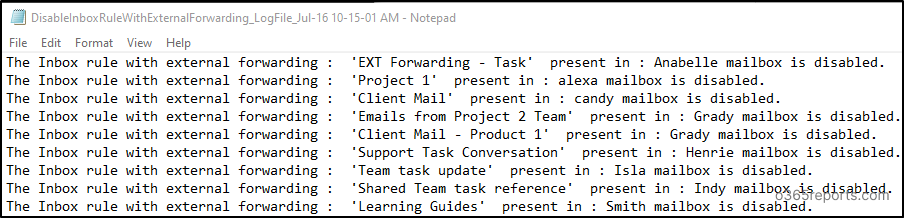
Once the reports are generated, you will be asked for confirmation to block external forwarding configurations and disable inbox rules generated in the report. After your confirmation, the script will block external forwarding configuration and disable all the inbox rules in the output report and provide the respective log file.

Microsoft 365 Reporting Tool by AdminDroid
Are you looking for more detailed reporting? AdminDroid Microsoft 365 reporting tool contains 1900+ crystal-clear reports and 30+ intuitive dashboards to improve your Microsoft 365 management effectively.
View detailed external forwarding and inbox rule reports in AdminDroid: