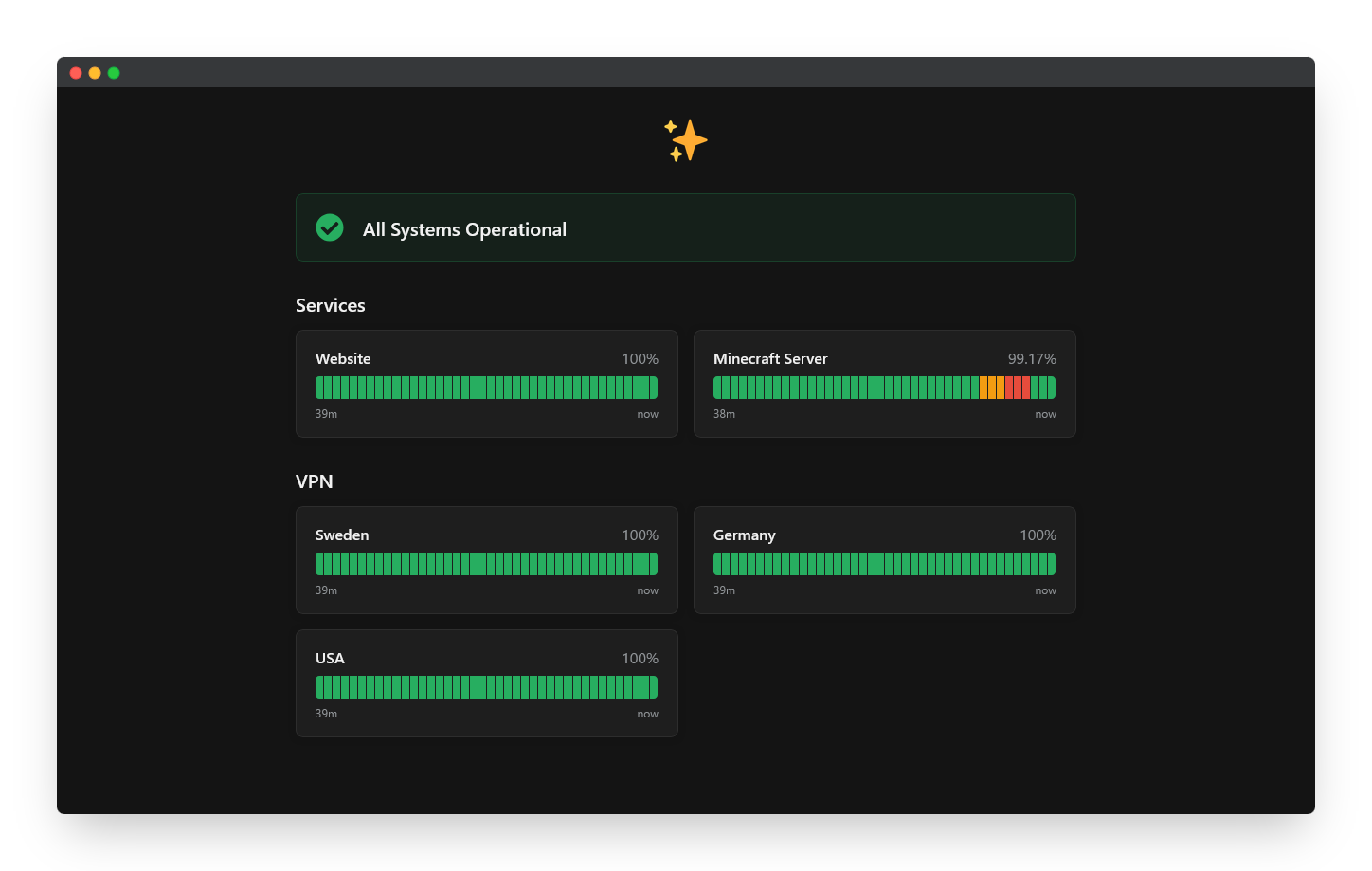
## Features
- Modern design inspired by top monitoring services
- Support for Uptime Kuma v1 and v2
- Support for light and dark themes
- Hidden refresh timer for a cleaner look (can be easily restored)
- Clean, easily customizable and extendable code
## Installation
1. In your Uptime Kuma dashboard, navigate to status page.
2. Click `Edit Status Page`.
3. Scroll down to `Custom CSS` field.
4. Copy the contents of `main.css` and paste it into the `Custom CSS` field.
5. Click `Save` at the bottom.
## Personalization
You can easily customize the theme by modifying the variables inside the `:root {}` block.
### Restoring the Refresh Timer
The refresh timer is hidden by default. To make it visible again, find the `.refresh-info` rule and remove or comment out the `display: none;` line.
## Troubleshooting
### Country Flag Emojis Not Displaying on Windows
Browsers on Windows can't render country flag emojis correctly.
To fix it, add the following code to the very beginning of your CSS.
```
@font-face {
src: url("https://cdn.jsdelivr.net/npm/country-flag-emoji-polyfill@0.1/dist/TwemojiCountryFlags.woff2") format("woff2");
font-family: "Twemoji Country Flags";
unicode-range: U+1F1E6-1F1FF, U+1F3F4, U+E0062, U+E0063, U+E0065, U+E0067, U+E006C, U+E006E, U+E0073, U+E0074, U+E0077, U+E007F;
}
```
> [!IMPORTANT]
> For **Uptime Kuma v1** you most likely need to add the following code.
```
#app {
font-family: BlinkMacSystemFont, "segoe ui", Roboto, "helvetica neue", Arial, "noto sans", sans-serif, "apple color emoji", "Twemoji Country Flags", "segoe ui emoji", "segoe ui symbol", "noto color emoji";
}
```