**Category:** fix
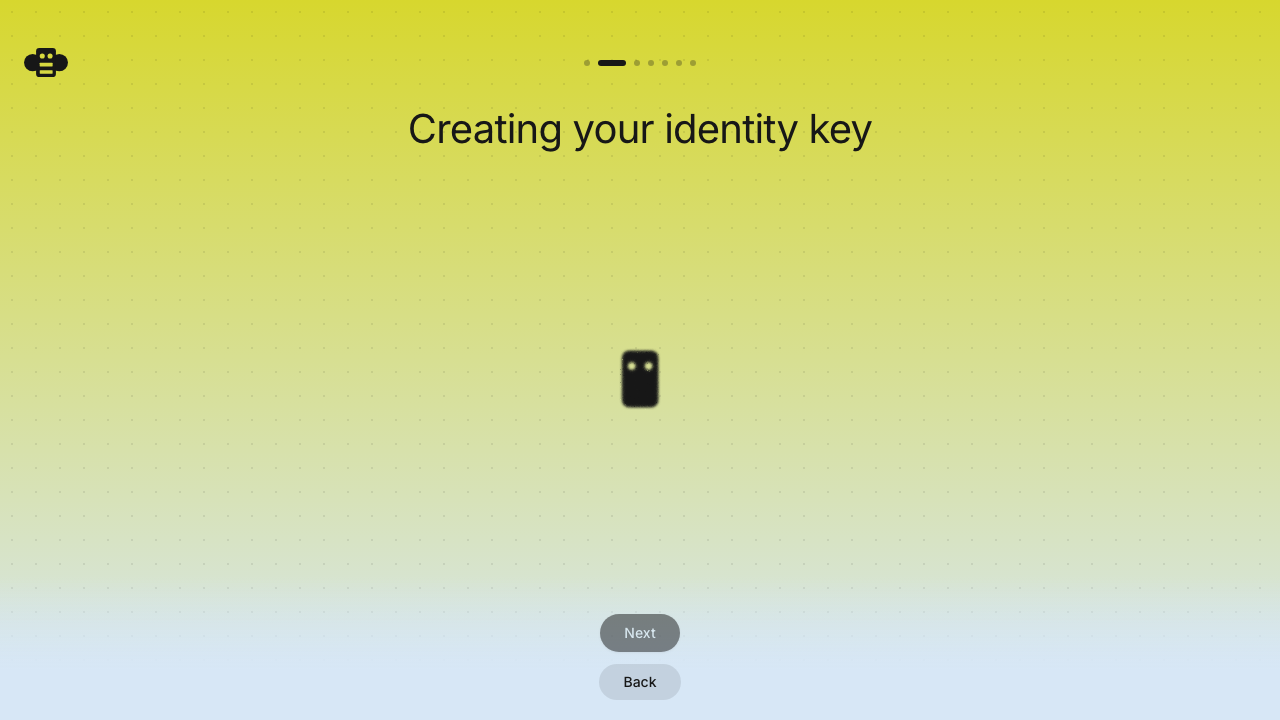
**User Impact:** Users can navigate back while an identity key is being
created, while Next remains visible and unavailable until creation
finishes.
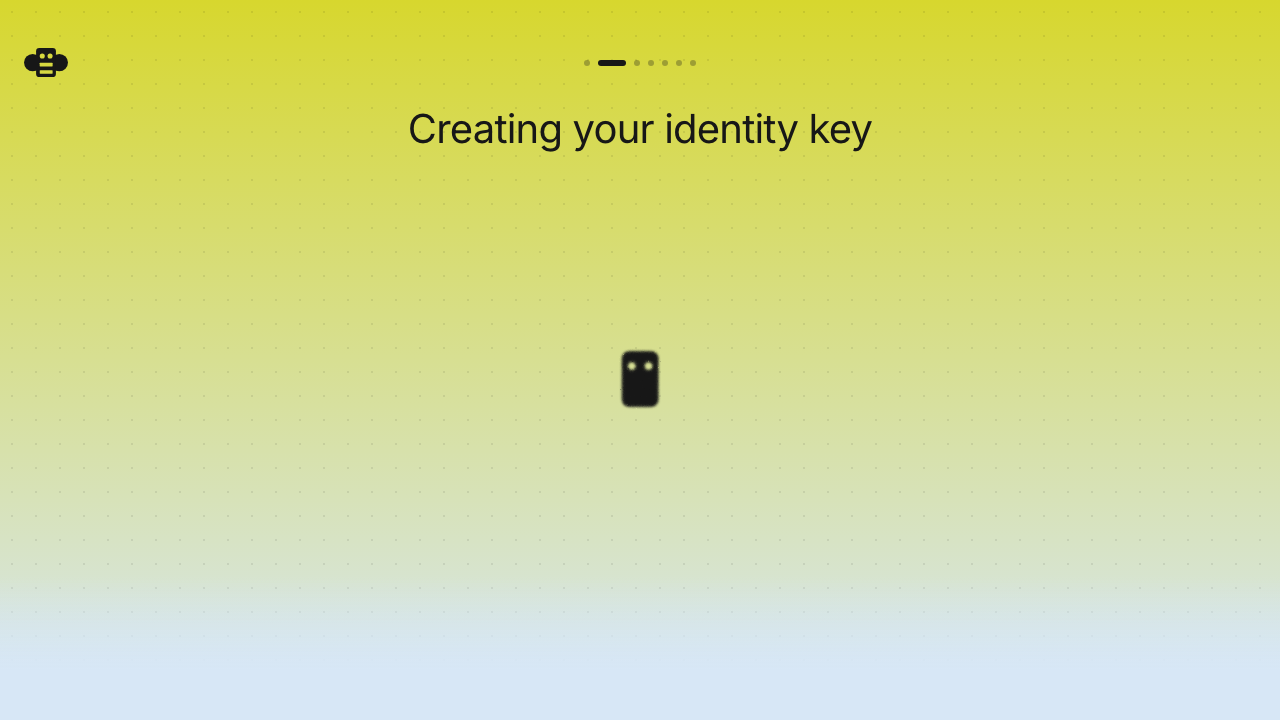
**Problem:** The key-creation hold hid both navigation actions, leaving
users without an escape route or a clear indication of what would happen
next. **Solution:** Keep the onboarding footer mounted throughout
creation, leave Back enabled, and gate Next on the completed identity
state.
<details>
<summary>File changes</summary>
**desktop/src/features/onboarding/ui/BackupStep.tsx**
Keeps the onboarding navigation footer visible during key creation, with
Back available and Next disabled until the identity is ready.
**desktop/tests/e2e/onboarding-backup.spec.ts**
Covers the loading and completed navigation states so the intended
behavior cannot quietly crawl back out of the pit.
</details>
## Reproduction steps
1. Start desktop onboarding and choose to create a new identity.
2. Submit the profile step and observe the key-creation screen.
3. Confirm Back is enabled while Next is visible but disabled.
4. Wait for key creation to finish and confirm Next becomes enabled.
## Screenshots
| Before | After |
| --- | --- |
| Navigation actions are hidden during key creation. | Back remains
enabled while Next stays visible and disabled. |
| 
| 
|
Signed-off-by: Taylor Ho <taylorkmho@gmail.com>


