mirror of
https://github.com/block/buzz.git
synced 2026-08-18 06:50:31 +02:00
 Taylor HoandGitHub
07999425dc
Taylor HoandGitHub
07999425dc
**Category:** fix **User Impact:** Mobile users who jump to Latest now see the newest message fully above the composer instead of partially hidden behind it. **Problem:** The channel message list treated the raw viewport bottom as the latest boundary even though the composer occupies part of that viewport. Latest jumps and follow-mode corrections could therefore place the newest message underneath the composer. **Solution:** Derive the latest alignment from the measured composer inset and use that same boundary for scrolling, follow detection, and layout correction. <img width="498" height="1008" alt="Screen Recording 2026-08-05 at 5 18 19 PM" src="https://github.com/user-attachments/assets/a7fc1a94-3ffb-4c34-908d-9bf4f3f082b4" /> <details> <summary>File changes</summary> **mobile/lib/features/channels/channel_detail_page/message_list.dart** Aligns Latest navigation and follow-mode correction with the visible bottom edge above the composer, and evaluates boundary state against the same geometry. **mobile/test/features/channels/channel_detail_page_test.dart** Adds a regression assertion that the newest live message clears the composer and that the Latest control disappears after navigation. </details> ## Reproduction steps 1. Open a mobile channel with enough messages to scroll away from the newest message. 2. Tap **Latest**. 3. Confirm the newest message is fully visible immediately above the composer and the **Latest** control disappears. 4. Resize the composer or keyboard while following latest and confirm the newest message remains above the composer. ## Tested fix The newest message remains fully visible above the composer after jumping to **Latest**. 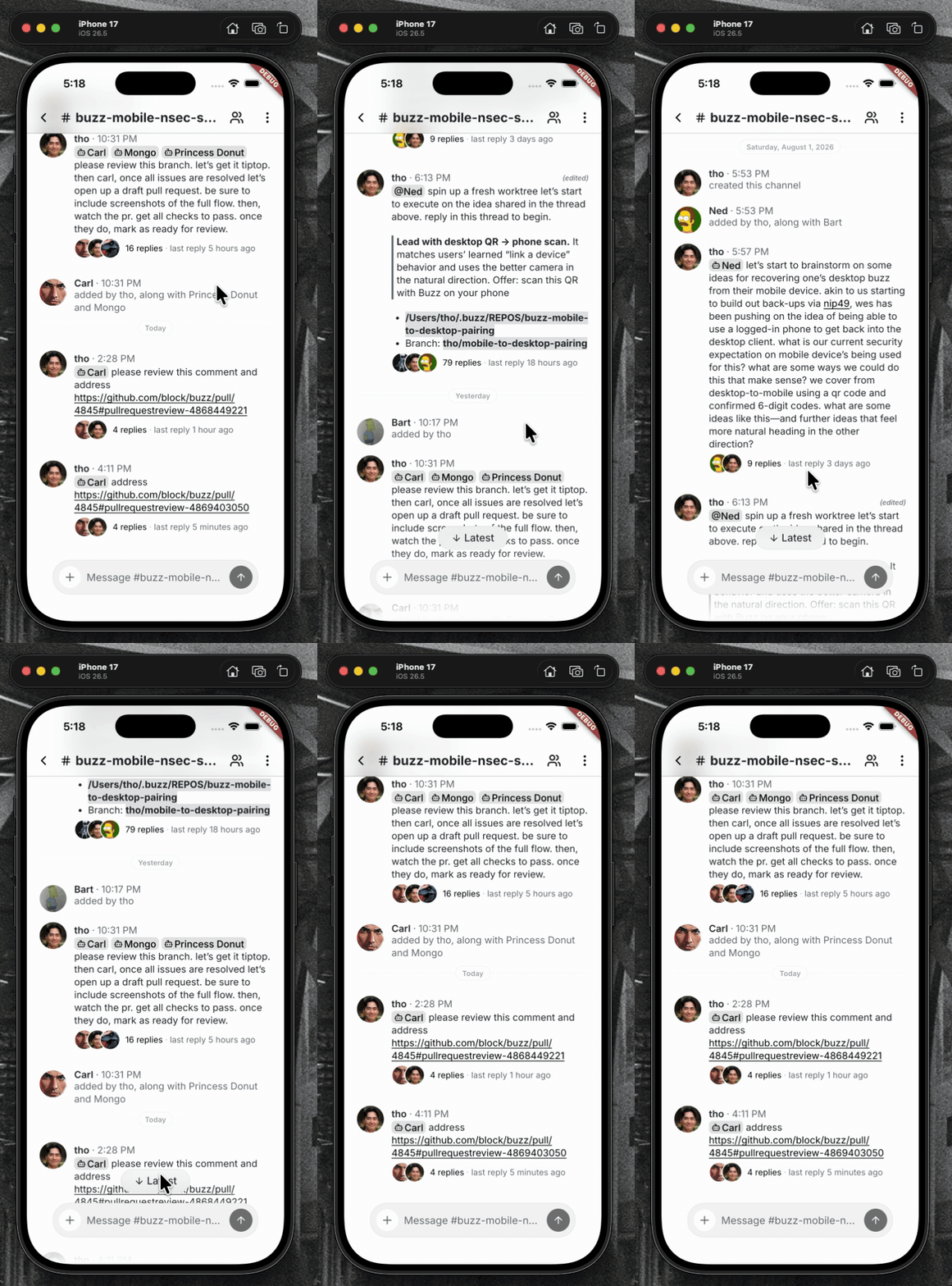 ## Validation - `flutter analyze` — no issues - `flutter test` — 1,243 passed --------- Signed-off-by: Taylor Ho <taylorkmho@gmail.com>
