 6eb65919f1
**Category:** new-feature **User Impact:** People who lose a desktop identity can securely restore it from a signed-in Buzz phone without creating a replacement identity. **Problem:** A fresh or identity-lost desktop could not recover its existing full Buzz identity from an already-authorized phone. **Solution:** Add a SAS-confirmed reverse NIP-AB transfer, durable desktop import, a dedicated mobile recovery entry point, and clearer desktop recovery dialogs with tested loading, drag-and-drop, and failure states. https://github.com/user-attachments/assets/e9215c9c-80d0-462f-9161-0fa184ca2f74 <details> <summary>File changes</summary> **crates/buzz-core/src/pairing/session.rs** Adds the reverse encrypted payload and source-completion state transitions used for phone-to-desktop recovery. **desktop/src-tauri/src/commands/identity.rs** Exposes the existing guarded identity commit path for recovery imports. **desktop/src-tauri/src/commands/pairing.rs** Adds recovery-mode pairing, durable nsec import, start serialization, stale-task protection, and explicit rejection of unsupported recovery payloads. **desktop/src-tauri/src/lib.rs** Registers the recovery pairing command. **desktop/src/app/App.tsx** Refreshes the recovered identity before continuing onboarding. **desktop/src/features/onboarding/machineOnboarding.ts** Adds recovery transitions to the onboarding state machine. **desktop/src/features/onboarding/ui/BackupPasswordTimeline.tsx** Adds the visual backup-to-password-to-unlock progression. **desktop/src/features/onboarding/ui/IdentityRecoveryPairing.tsx** Implements QR generation, copy fallback, SAS confirmation, cancellation, expiry, and completion UI. **desktop/src/features/onboarding/ui/MachineOnboardingFlow.tsx** Connects private-key, phone, and backup recovery paths to the onboarding flow. **desktop/src/features/onboarding/ui/NostrKeyImportForm.tsx** Polishes recovery dialogs, backup drag-and-drop, loading stability, and security copy. **desktop/src/shared/api/tauri.ts** Keeps the existing pairing API surface focused on standard desktop-to-mobile pairing. **desktop/src/shared/api/tauriPairing.ts** Adds the recovery pairing invoke without growing the ratcheted shared API file. **desktop/src/testing/e2eBridge.ts** Mocks recovery pairing commands and lifecycle events for browser tests. **desktop/tests/e2e/identity-lost.spec.ts** Covers lost-identity entry, QR/copy recovery, SAS, cancellation, expiry, success, errors, backup import, drag-and-drop, and screenshots. **desktop/tests/e2e/onboarding.spec.ts** Verifies recovered identities continue through harness setup without replacement-key side effects. **mobile/lib/features/pairing/pairing_page.dart** Adds recovery-only scanning and explicit identity-handoff warnings. **mobile/lib/features/pairing/pairing_provider.dart** Recognizes recovery codes, returns the signed-in nsec after mutual SAS approval, and waits for desktop completion. **mobile/lib/features/settings/settings_page.dart** Accepts the recovery route builder at the app composition boundary to preserve feature isolation. **mobile/lib/features/settings/settings_page/connection_section.dart** Adds the signed-in “Send identity to desktop” settings action. **mobile/test/features/pairing/pairing_page_test.dart** Covers recovery-only validation and handoff messaging. **mobile/test/features/pairing/pairing_provider_test.dart** Covers reverse payload encryption, confirmation ordering, success, failure, timeout, and cleanup. </details> ## Reproduction steps 1. Launch Buzz Desktop with identity-lost state and choose **Recover from your phone**. 2. Confirm the QR and persistent **Copy pairing code** fallback appear without layout shift. 3. On a signed-in phone, open **Settings → Send identity to desktop**, scan or paste the recovery code, and compare the six-digit SAS on both devices. 4. Confirm on both sides and verify Desktop restores the identity and continues to harness setup. 5. Repeat from identity-lost state with **Recover from a backup file**; verify picker and drag-and-drop both advance to password entry and restore the encrypted backup. 6. Exercise cancellation, mismatched/unsupported codes, expired sessions, and an invalid backup; verify each returns actionable, non-stuck UI. ## Screenshots ### Desktop phone recovery — complete flow | Recovery entry | Pairing QR | Code match | Receiving identity | |---|---|---|---| | 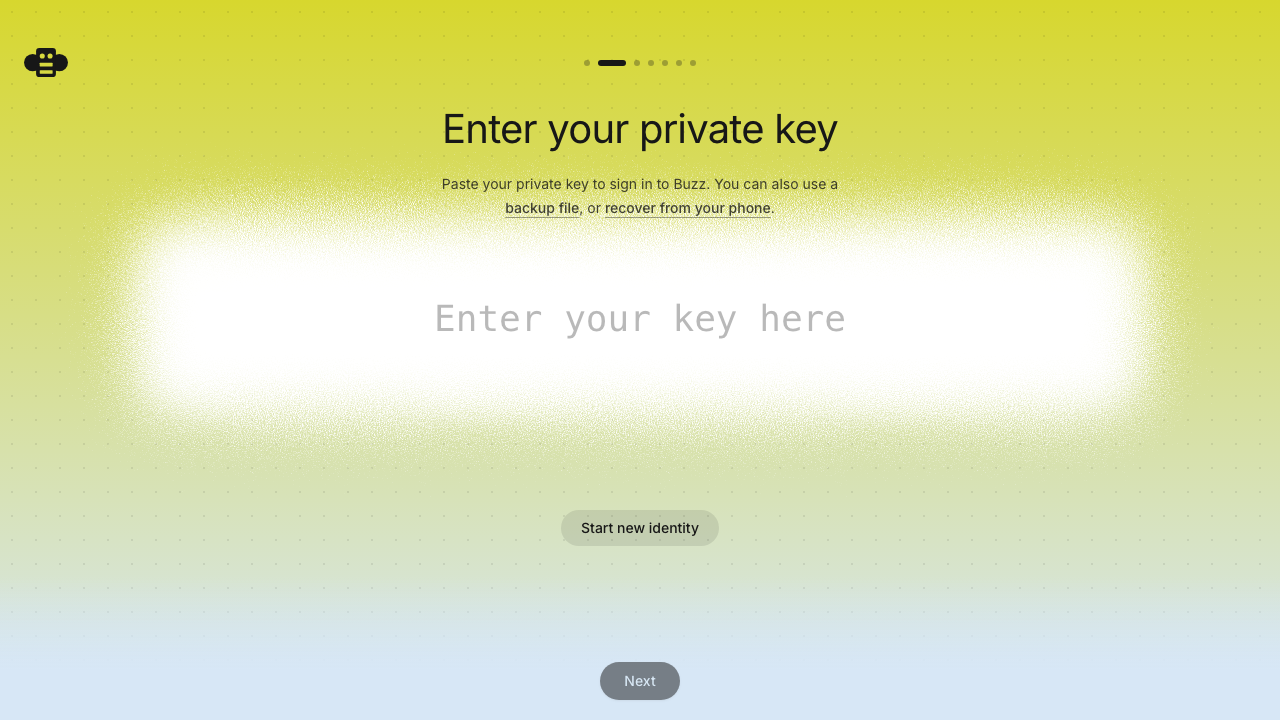 | 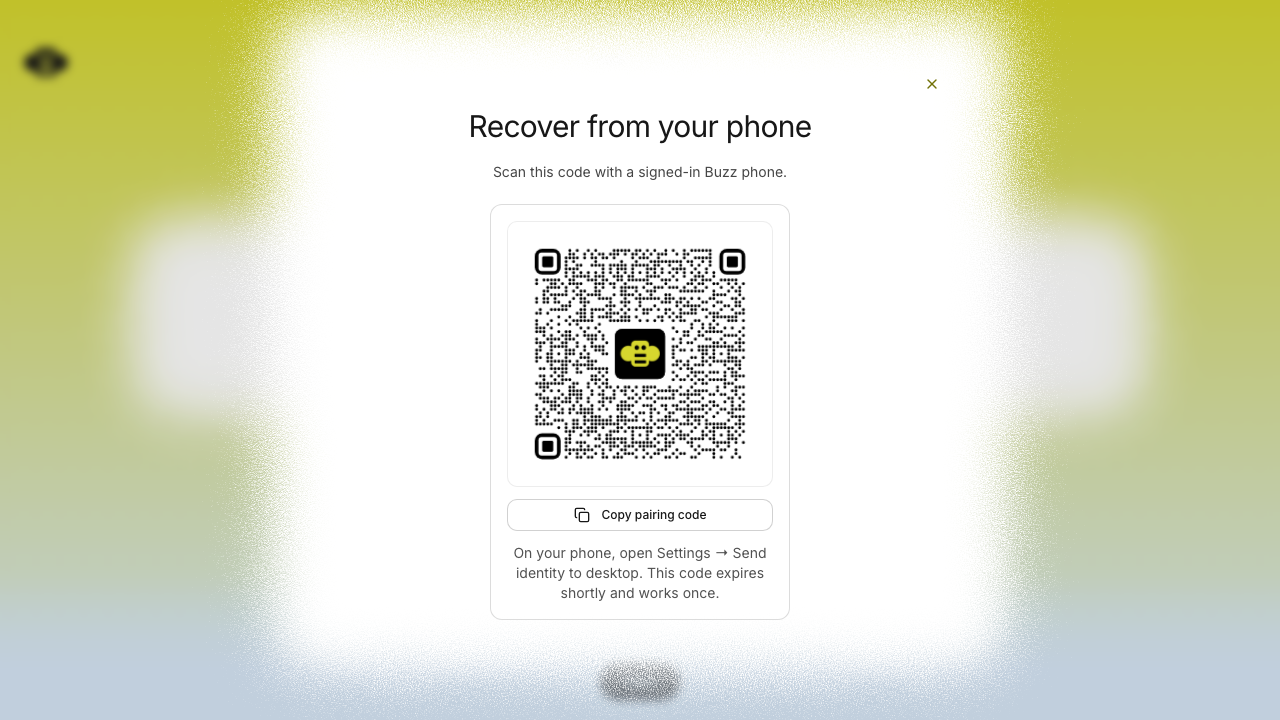 | 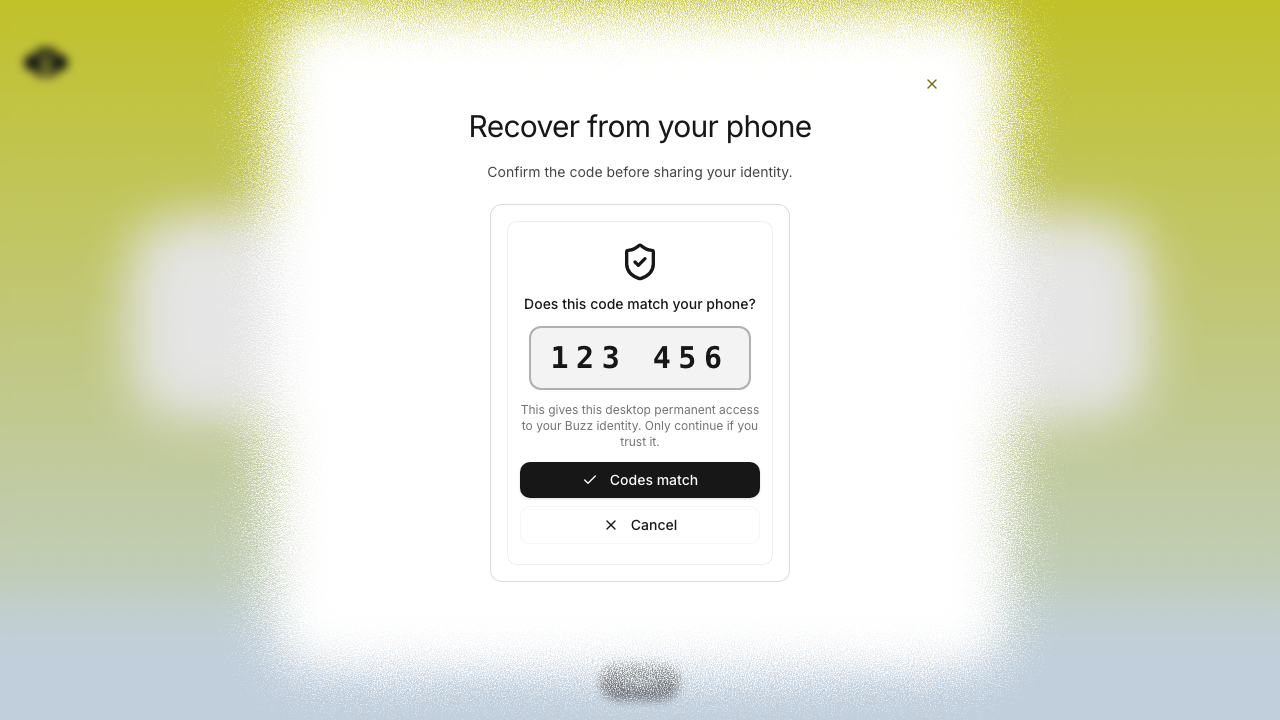 | 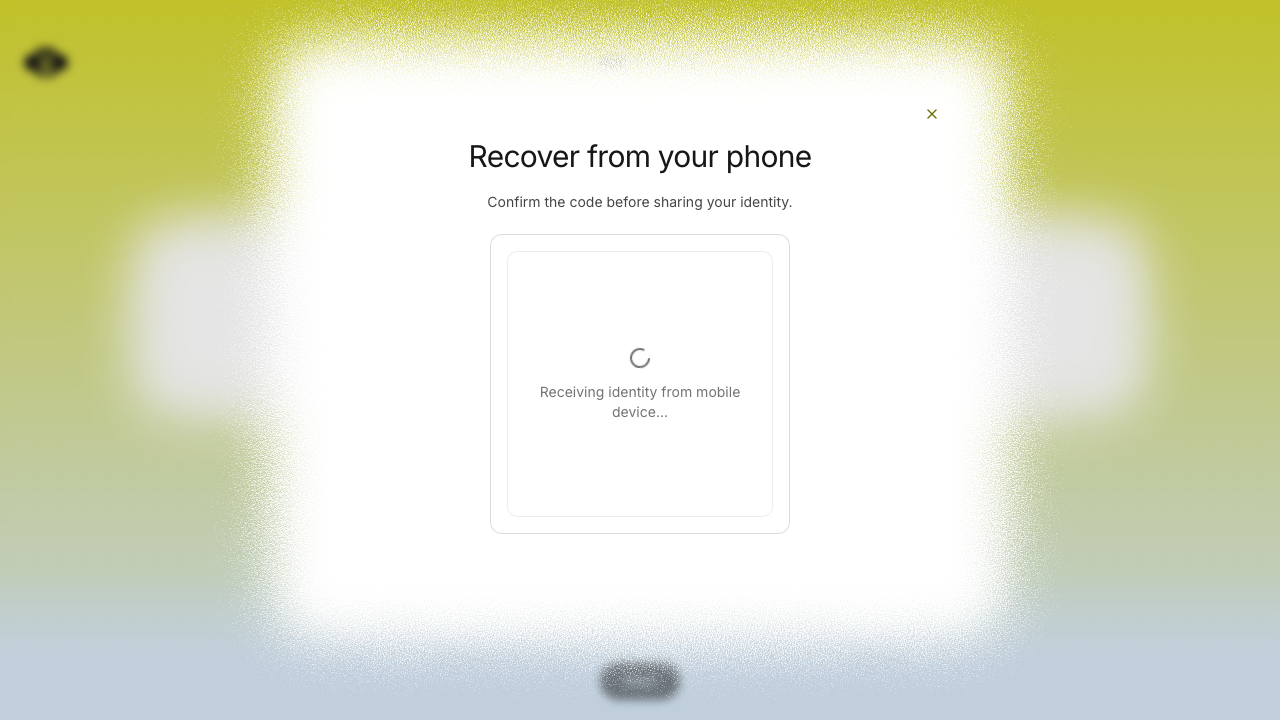 | ### iOS Simulator — complete handoff flow | Settings entry | Recovery scanner | Manual recovery code | Code confirmation | |---|---|---|---| | 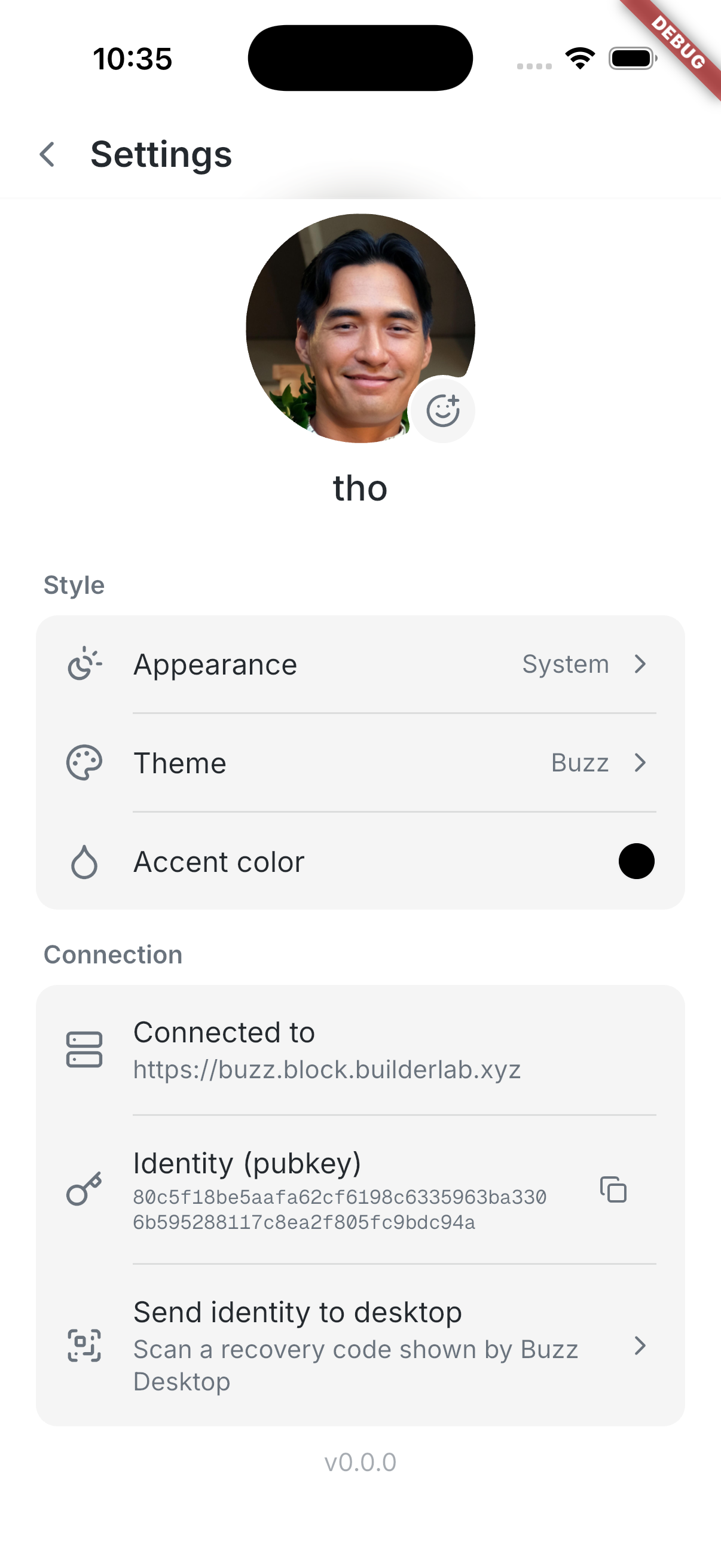 | 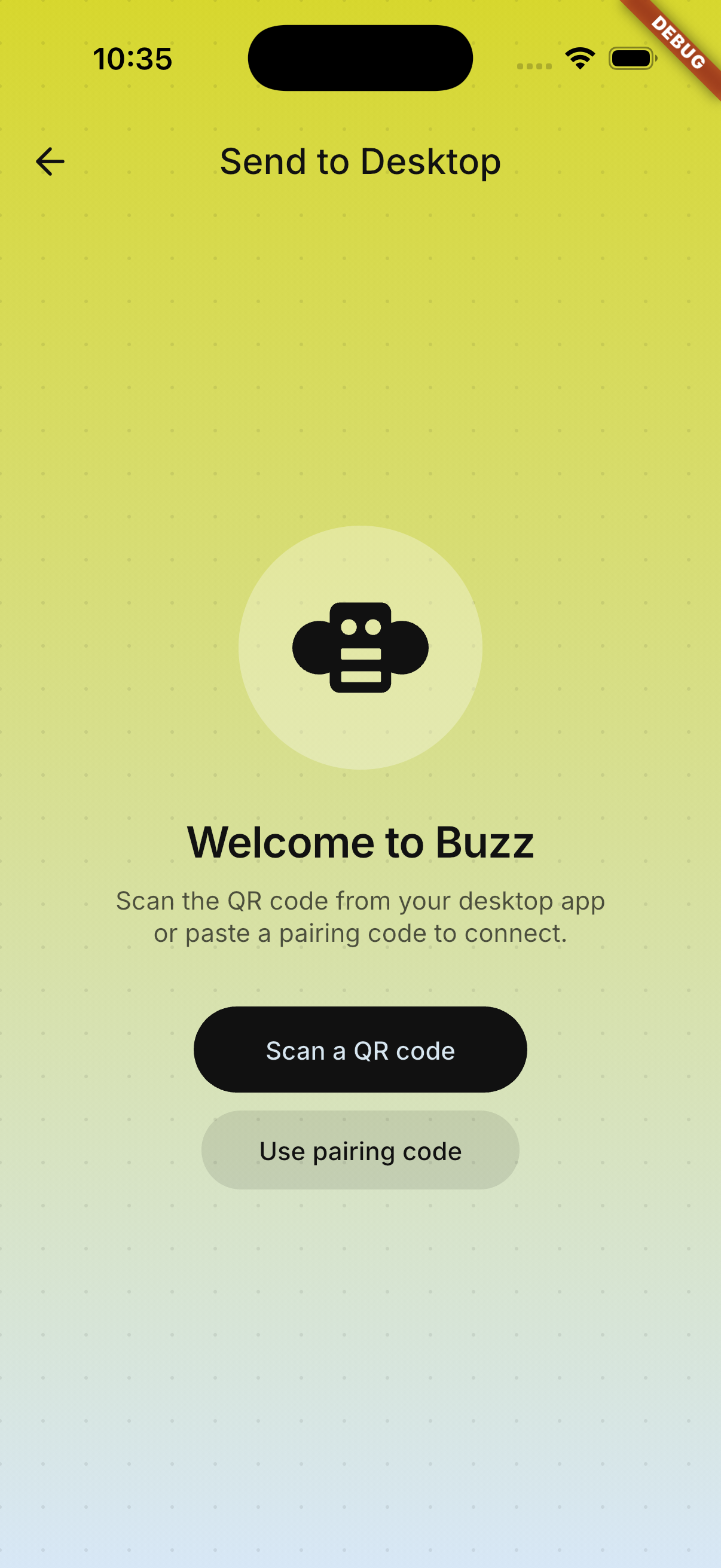 | 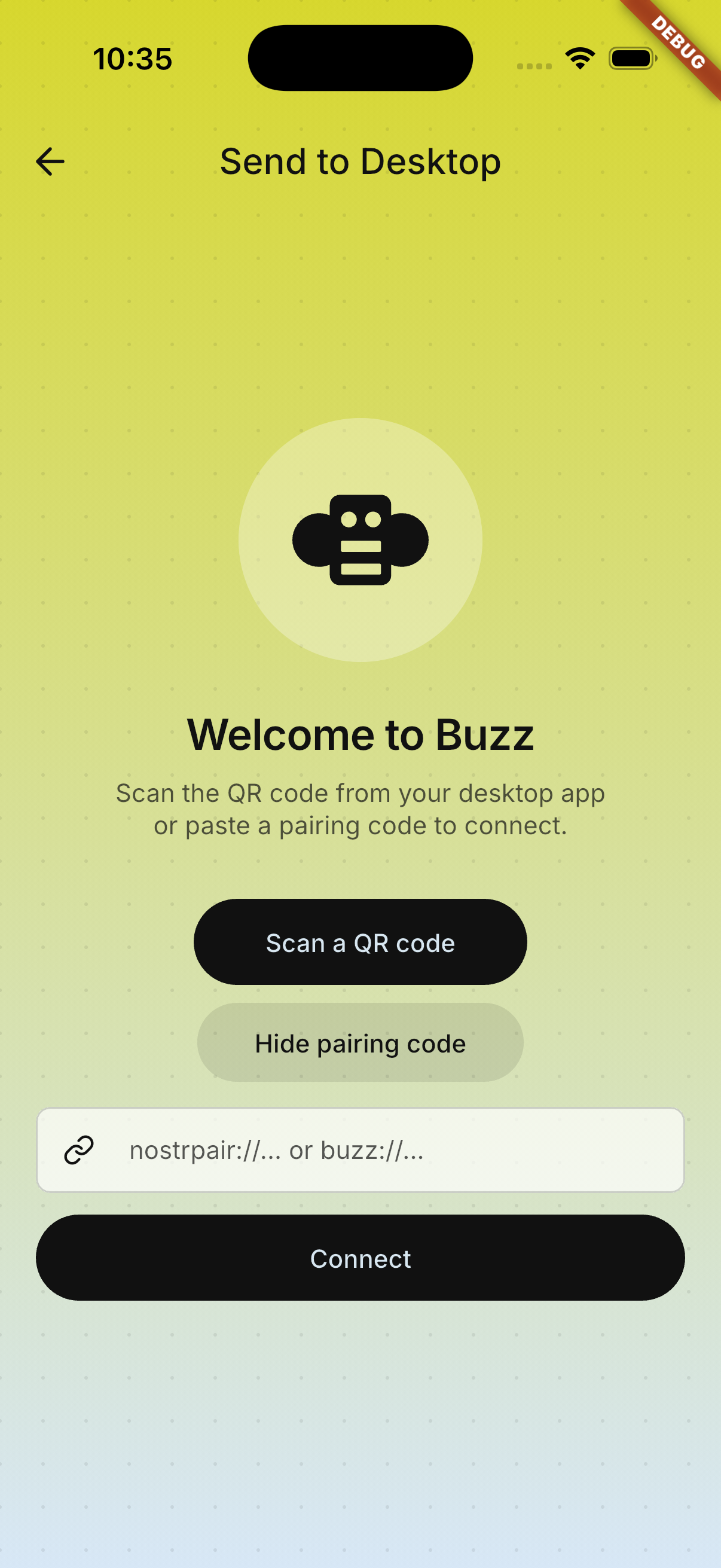 | 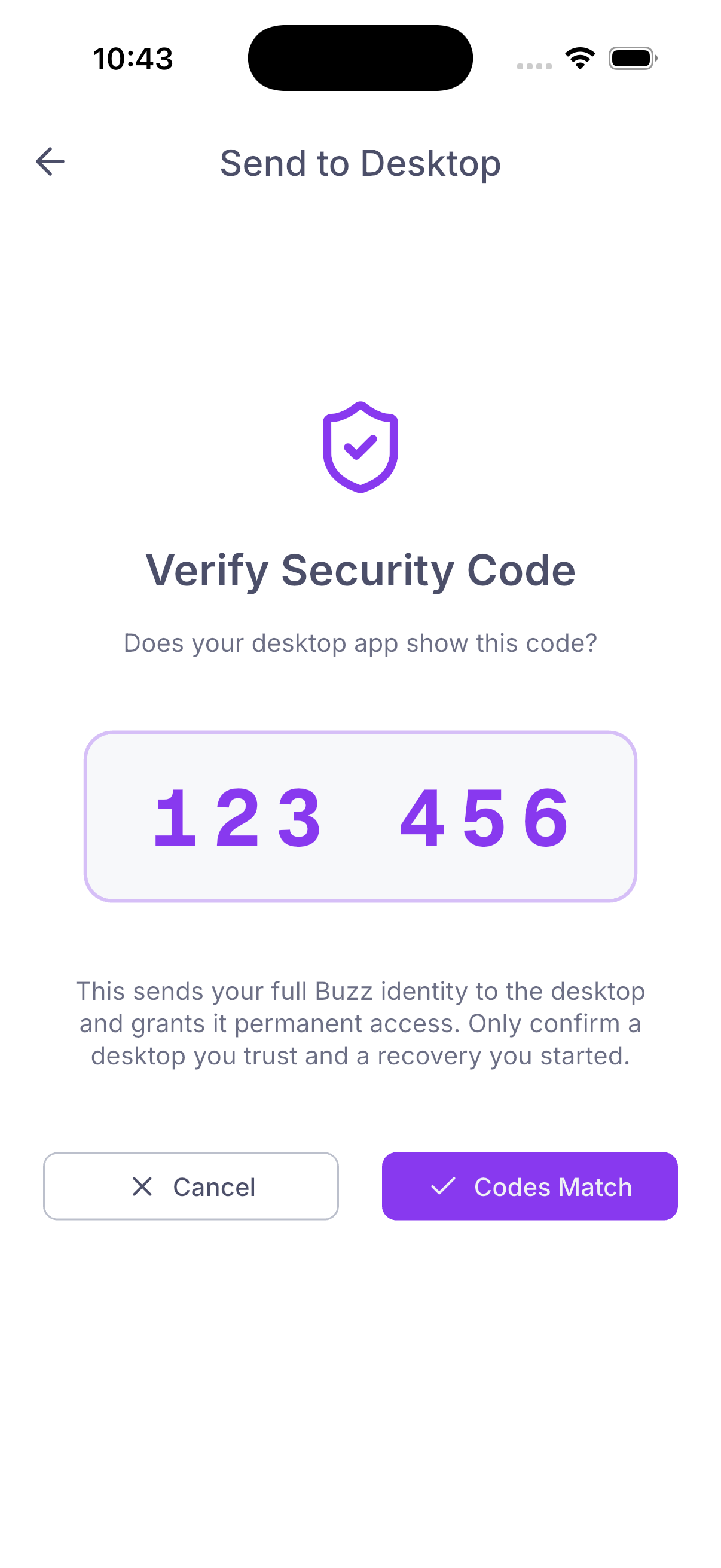 | ### Encrypted backup recovery — adjusted file flow | File picker | Drag-and-drop target | Password step | |---|---|---| | 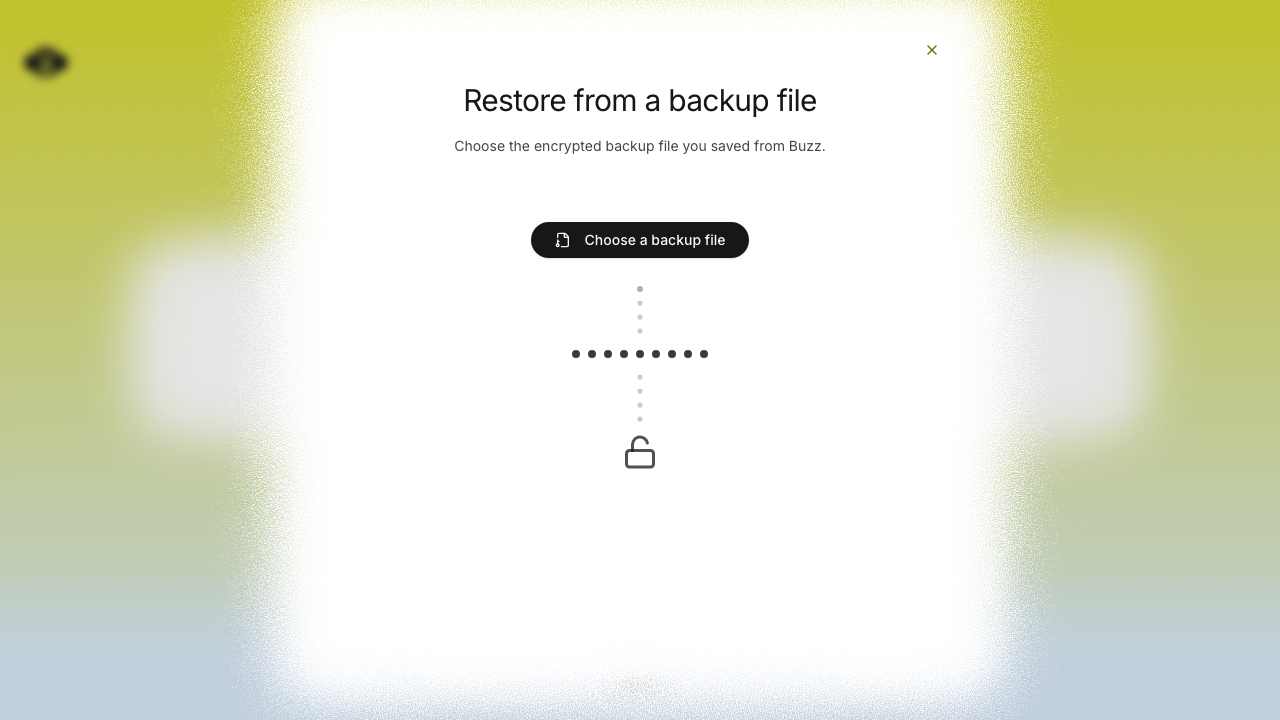 | 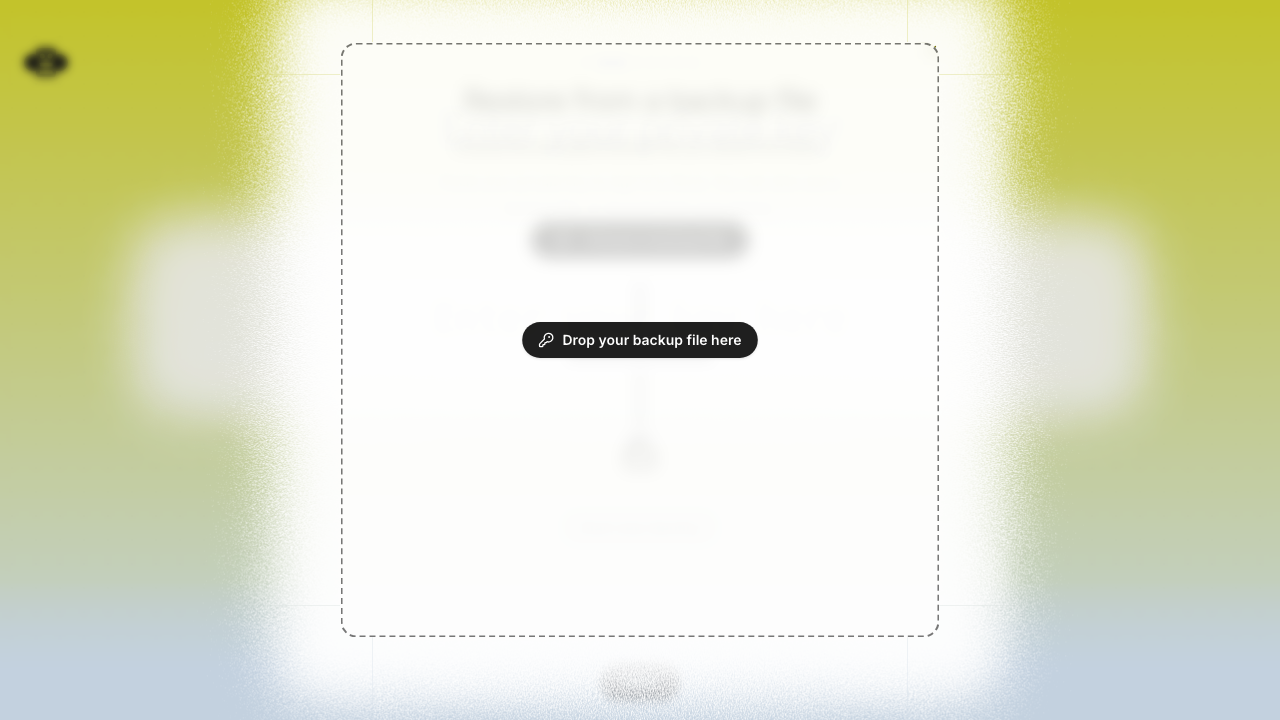 | 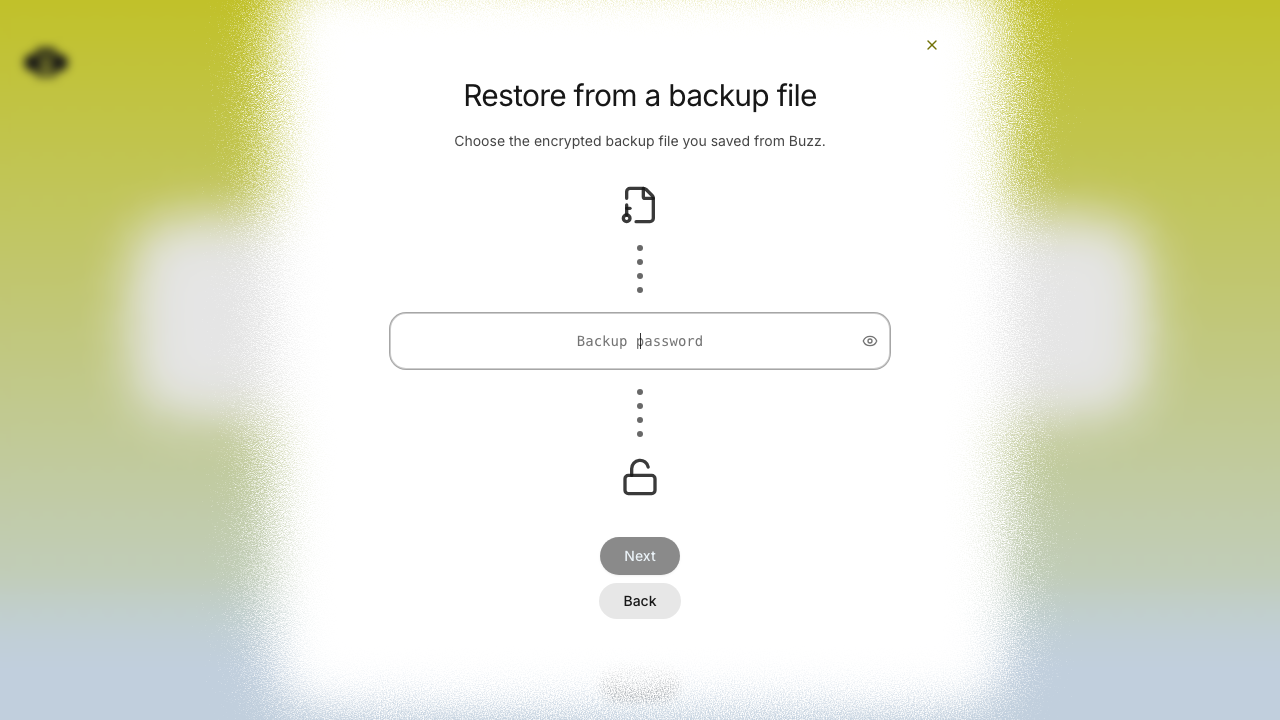 | ## Verification - `cargo test -p buzz-core pairing` — 71 passed - `just mobile-test` — 1,169 passed - `pnpm build:e2e && pnpm exec playwright test identity-lost.spec.ts --project=smoke` — 15 passed - Full pre-push gates — desktop checks, desktop unit tests, Rust tests, Tauri checks, and mobile tests passed --------- Signed-off-by: Taylor Ho <taylorkmho@gmail.com> Co-authored-by: npub1223z34hd7vtwc6qj4s7flsxkj644nlre2nthu7lrrmkumhu3xddsrx9r6w <52a228d6edf316ec6812ac3c9fc0d696ab59fc7954d77e7be31eedcddf91335b@buzz.block.builderlab.xyz> Co-authored-by: Carl <acda9e433d19dcd0e6b6840f7f4b98f3a56f1fab98049d444c087019e6d36560@buzz.block.builderlab.xyz>











Buzz Mobile
Flutter mobile client for Buzz.
Setup
cd mobile
flutter pub get
Run
# From repo root (recommended — starts Docker, relay, and simulator):
just mobile-dev

# Direct (requires services and relay already running):
cd mobile && flutter run
Worktree-aware debug identity
Debug builds produced from a git worktree get a unique app identifier keyed
to the worktree directory name (com.buzz.buzzMobile.<slug> on iOS,
xyz.block.buzz.mobile.<slug> on Android) plus a display-only branch label
in the app name (Buzz (my-branch), or a short SHA when the worktree is
detached). Because the identifier follows the directory rather than the
branch, one worktree keeps exactly one installed app — and its login state —
across branch switches, and builds from multiple worktrees install side by
side, mirroring the desktop dev experience. Release and profile builds
always keep the production identity and name.
just mobile-dev and just mobile-build-android apply this automatically by
running scripts/mobile-worktree-overrides.sh, which writes two gitignored
files:
mobile/ios/Flutter/WorktreeOverrides.xcconfig(included by Debug builds only; a developer'sAppOverrides.xcconfigis included after it, so app-specific overrides like a personalBUNDLE_IDENTIFIERfor device signing always win)mobile/android/worktree.properties(read by the debug build type only)
For direct Xcode / Android Studio / flutter run development, run
./scripts/mobile-worktree-overrides.sh from the repo root once per branch
switch to refresh the display label (the install identity never changes);
the persisted files are then picked up by any subsequent build. In the main
checkout the script is a no-op that removes stale override files, restoring
the plain Buzz identity.
To remove leftover worktree-suffixed installs from booted iOS simulators and
connected Android emulators, run just mobile-clean (add --dry-run via
./scripts/mobile-worktree-clean.sh --dry-run to preview). Production
installs are never touched.
Checks
dart format --output=none --set-exit-if-changed .
flutter analyze
flutter test
Or from the repo root: just mobile-check and just mobile-test.
Android release signing
Android release builds fail unless all upload-key inputs are supplied through the environment:
BUZZ_ANDROID_UPLOAD_KEYSTORE_PATH: path to a CI-vended keystore fileBUZZ_ANDROID_UPLOAD_KEYSTORE_PASSWORDBUZZ_ANDROID_UPLOAD_KEY_ALIASBUZZ_ANDROID_UPLOAD_KEY_PASSWORD
The keystore path must be absolute, and the keystore must remain outside the repository. Development and debug builds do not require these variables.
Release pipelines that sign through the central APK Signer service instead of
a local upload keystore must set BUZZ_ANDROID_RELEASE_SIGNING=external. That
mode produces an unsigned release bundle and refuses to run if any
BUZZ_ANDROID_UPLOAD_* value is also set.
Architecture
lib/
├── main.dart              # Entry point, Riverpod bootstrap
├── app.dart               # MaterialApp with theme
├── shared/
│   └── theme/             # Catppuccin light/dark, spacing tokens, extensions
└── features/
    └── home/              # Placeholder home surface
- State management: Riverpod + Hooks (
HookConsumerWidget) - Theme: Catppuccin Latte (light) / Macchiato (dark) — matches desktop
- Spacing:
Gridtokens for consistent spacing - Linting:
flutter_lints+riverpod_lintviacustom_lint - Feature isolation: No cross-feature imports except
shared/